

Description
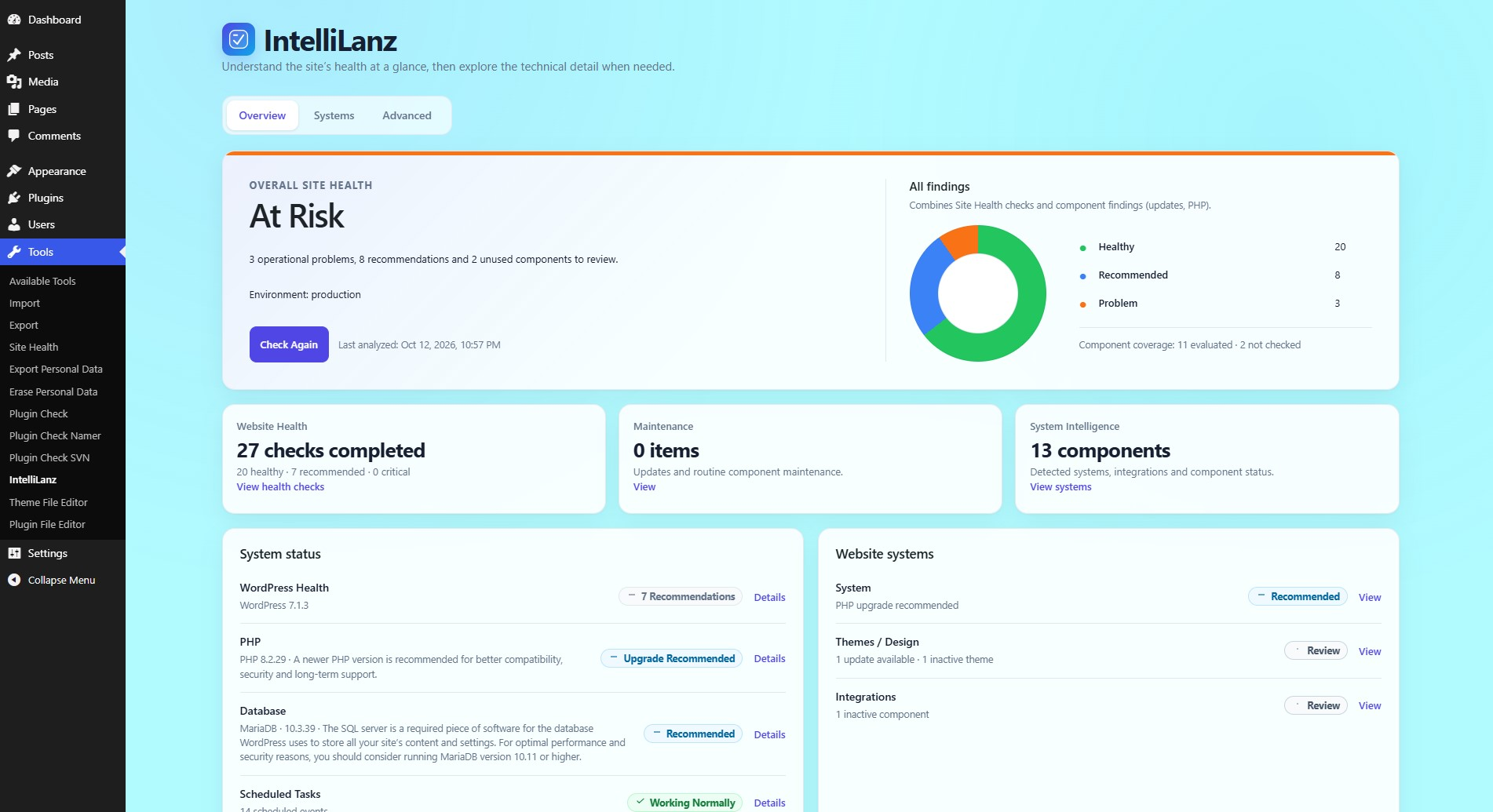
IntelliLanz analyzes the current WordPress installation and presents native Site Health results, component findings, maintenance information and evidence-backed relationships in a clear dashboard.
Included in IntelliLanz Free
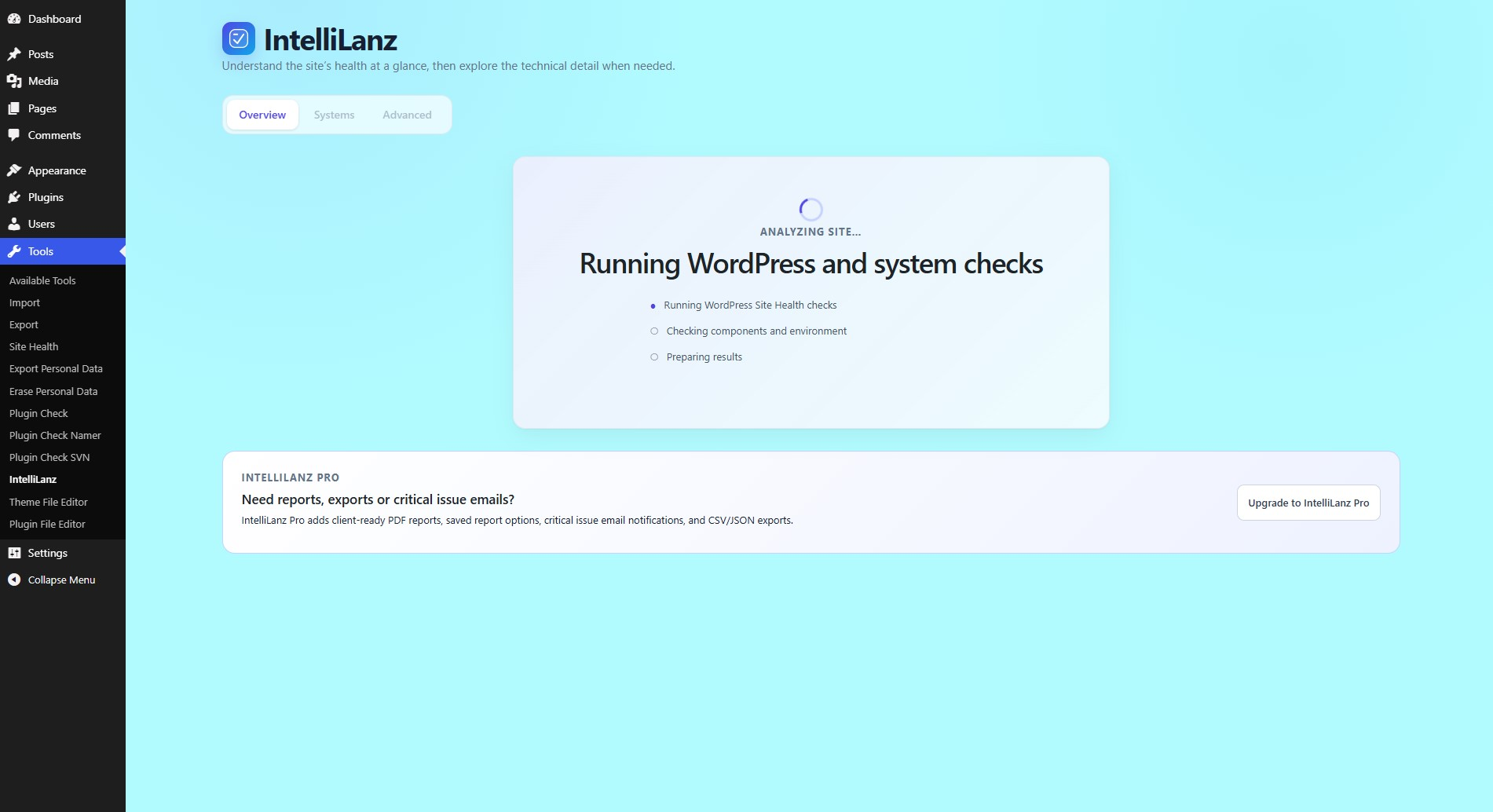
- Deliberate Analyze Site and Check Again workflow
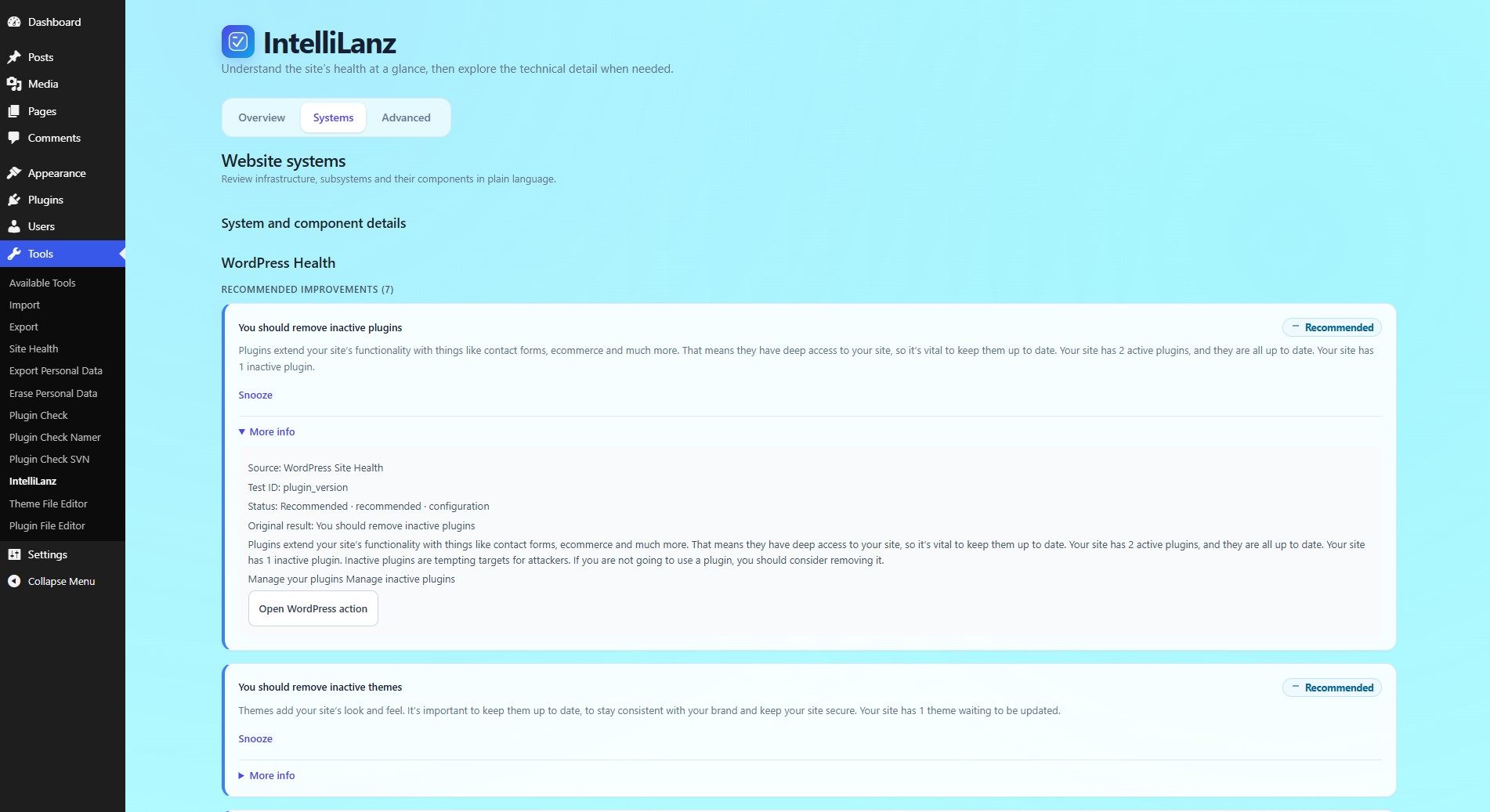
- WordPress Site Health results with plain-language summaries
- WordPress, PHP, database and scheduled-task information
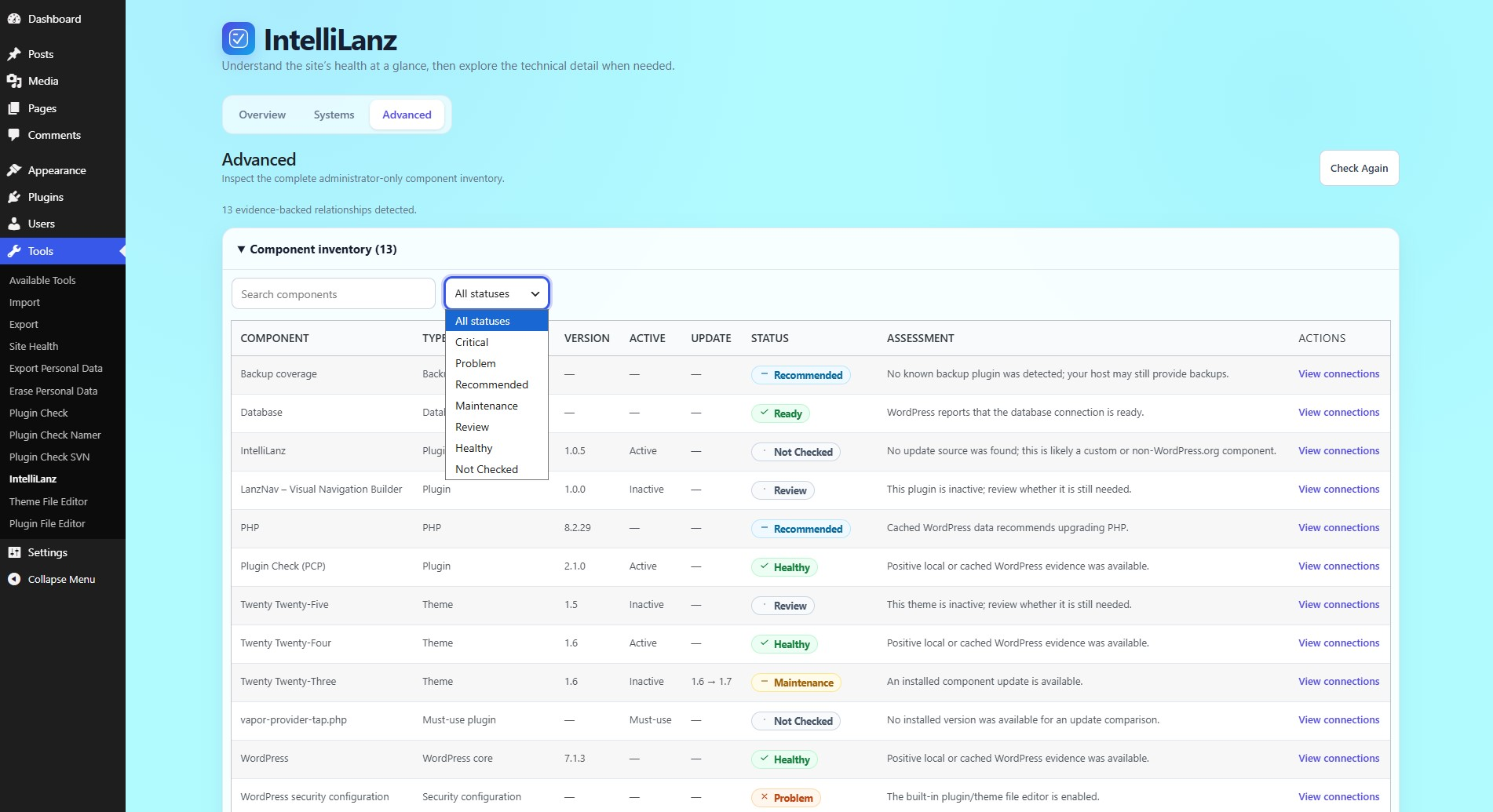
- Complete plugin, must-use plugin and theme inventory
- Core, plugin and theme update detection
- Health, security and backup-presence observations
- Overview, Systems and searchable Advanced inventory views
- Analysis history and coverage-aware trends
- Finding snooze and acknowledgement controls
- One-hop component connection details
- Protected inactive plugin and theme cleanup
wp intellilanz checkfor current diagnostics
Free has no time limit, scan quota, component limit or license requirement.
IntelliLanz Pro
IntelliLanz Pro adds client-ready PDF reports, saved report options, critical issue email notifications, and CSV/JSON exports.
Learn more about IntelliLanz Pro
Privacy
IntelliLanz Free reads local WordPress configuration, component metadata, cached update information and registered Site Health checks. It does not contact MazlanHalim.com automatically and loads no remote fonts, scripts, styles or executable code. WordPress core or third-party Site Health callbacks may retain their own documented behavior.
WP-CLI
Run wp intellilanz check for a current summary. The command returns a non-zero exit code when unacknowledged critical findings exist.
Screenshots
Installation
- Upload the
intellilanzfolder to/wp-content/plugins/, or install the ZIP from Plugins > Add New > Upload Plugin. - Activate IntelliLanz.
- Open Tools > IntelliLanz.
- Select Analyze Site to run the first analysis.
FAQ
-
Does IntelliLanz send site data elsewhere?
-
No. IntelliLanz Free contains no telemetry, analytics, tracking or license activation. The Pro page opens only after you click an upgrade link.
-
How does inactive component cleanup stay safe?
-
IntelliLanz re-checks that the target is inactive, verifies WordPress deletion capabilities and file-modification policy, checks known component connections, and requires explicit confirmation. WordPress performs the deletion.
-
Does backup detection prove that backups work?
-
No. Backup detection is a conservative local heuristic. Confirm backup schedules, storage and restore testing with your host or backup provider.
-
What does IntelliLanz Free store?
-
It stores the latest analysis in
intellilanz_latest_analysis_v1, up to ten summary history entries inintellilanz_analysis_history_v1, and finding acknowledgements inintellilanz_acknowledgements_v1. It also uses a short-livedintellilanz_snapshot_v1transient. Existing report and notification options from IntelliLanz Pro are not read, changed or deleted. -
What happens on uninstall?
-
The short-lived graph transient and any obsolete IntelliLanz scheduled email hook are removed. Shared analysis, history and acknowledgement data are retained so a later Pro installation can reuse them.
Reviews
There are no reviews for this plugin.
Contributors & Developers
“IntelliLanz” is open source software. The following people have contributed to this plugin.
Contributors
Translate “IntelliLanz” into your language.
Interested in development?
Browse the code, check out the SVN repository, or subscribe to the development log by RSS.
Changelog
1.0.5
- Correct the WordPress.org contributor username for directory review.
1.0.4
- Resolve Plugin Check escaping, direct-access, discouraged-function and core-hook-prefix findings.
1.0.3
- Create the WordPress.org Free edition from the original IntelliLanz 1.0.1 interface and analysis workflow.
- Remove PDF export, report options, critical issue emails, CSV export and JSON export from the package.
- Add restrained IntelliLanz Pro information and a responsive Free versus Pro comparison.