
Description
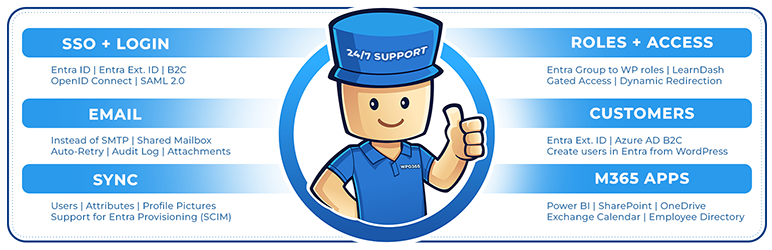
WordPress + Microsoft Entra | Ext. ID | B2C | M365 Integration for your Digital Workplace. For SSO, Mail, Roles, Access, Profiles, SharePoint, PowerBI.
SINGLE SIGN-ON (SSO)
- Enable Microsoft based Single Sign-on more
- Supported Identity Providers (IdPs): Azure Active Directory, Azure AD B2C, Entra External ID (Azure AD for Customers) more
- Supported SSO protocols: OpenID Connect and SAML 2.0 more
- Supported OpenID Connect User Flows: Authorization Code User Flow (recommended) and Hybrid User Flow more
NEW USERS
- New users that sign in with Microsoft automatically become WordPress users more
INTRANET
- Configure the intranet authentication mode to restrict access to all front-end posts and pages more
- Hide the WordPress Admin Bar for specific roles more
- Send emails using Microsoft Graph instead of SMTP from your WordPress website more
- Choose between a Microsoft 365 account or a personal Microsoft account, like Hotmail.com or Outlook.com, to send WordPress emails
- Send as HTML
- Save to the Sent Items folder
- Support for file attachments
SCIM
- Entra User Provisioning (SCIM) more
- Create new WP Users
MICROSOFT TEAMS
- Support for (seamless) integration of your WordPress website into a Microsoft Teams Tabs and Apps more
POWER BI
- Embed Microsoft Power BI content (user owns data) more
SHAREPOINT
- Embed a SharePoint Online library more
- Embed a SharePoint Online list more
- Embed an Outlook / Exchange calendar more
- Embed a SharePoint Online search more
EMPLOYEE DIRECTORY
- Embed an intuitve Azure AD / Microsoft Graph based Employee Directory into a front-end post or page more
WPO365 INSIGHTS
- See what matters, when it happens Track key WPO365 events like logins, sent emails and user creation and updates with WPO365 Insights more
WORDPRESS MULTISITE
- Support for WordPress Multisite more
REST API ENDPOINT PROTECTION
- Protect your WordPress REST API endpoints with a combination of a WordPress cookie and a nonce for delegated access more
DEVELOPERS
- Developers can now connect to a RESTful API for Microsoft Graph in their favorite programming language and without the hassle of authentication and authorization more
- PHP hooks for developers to build custom Microsoft Graph / Office 365 integrations more
ADD FUNCTIONALITY WITH PREMIUM EXTENSIONS
The features below can be unlocked with premium addOns and bundles.
SYNC
- Full User Sync using MS Graph from Entra to WordPress more
- Create new WP Users
- Update existing WP Users
- (Soft) Delete existing WP Users
- Lookup / Add a user in Entra ID (Azure Active Directory) on WordPress’s built-in Add New User page. more
WP User Roles, Profiles and Avatars will be updated and other rules e.g. LearnDash Enrollments will be applied
SCIM
- Integrate with Entra User Provisioning (SCIM) more
- Create new WP Users
- Update existing WP Users
- (Soft) Delete existing WP Users
- Map User Attributes beyond name and email and store as WordPress user meta
WP User Roles, Profiles and Avatars will be updated and other rules e.g. LearnDash Enrollments will be applied
INTRANET
- Block Direct Access to the Media Library more
ROLES + ACCESS
- Assign WordPress roles by Entra Groups, Entra User Attributes, Domains and / or App Roles more
- Restrict access to site / pages by Entra Groups, Domains and / or WPO365 Audiences more
- Redirect after login by Entra Groups and / or Domains more
LEARNDASH
- Auto-Enroll WP Users in LearnDash Courses and Groups by Entra Groups, Domains and / or Defaults more
CUSTOM USER FIELDS
- Enhance WordPress / BuddyPress User Profiles with Entra User Attributes more
- Auto-retry to deliver emails that failed to send more
- Send attachments larger than 3MB more
- Send as / On behalf more
- Send from a Shared Mailbox more
- Enable Staging Mode more
- Mail Throttle more
- Send as BCC more
- Default Reply-To more
MICROSOFT 365 APPS
- Power BI more
- SharePoint Library more
- SharePoint List more
- SharePoint Search more
- Exchange Calendar more
- Viva Engage more
- Employee Directory more
ADVANCED LOGIN OPTIONS
- Support for Multitenancy more
- Support for multiple IdPs more
- Force SSO more
- Dual Login more
- Intercept manual login more
- Prevent pwd. / email change more
- Single Sign-out more
- Sign out of M365 more
- Custom login URL more
- Custom loading template more
- B2C custom domain more
- Embedded B2C login more
- Custom new User email more
WPO365 INSIGHTS
- Get WPO365 Alerts in your inbox when a critical WPO365 event occurs more
AVATAR
- M365 Profile Picture as WordPress / BuddyPress Avatar more
REST API ENDPOINT PROTECTION
- Enable Azure AD based protection for your WordPress REST API endpoints more
CONFIGURATION
- Save multiple configurations
- Directly edit (the JSON representation of) a configuration
Prerequisites
- Make sure that you have disabled caching for your Website, especially when you configure a WordPress based intranet and access to WP Admin and all pubished pages and posts requires authentication. With caching enabled, the plugin may not work as expected
- We have tested our plugin with WordPress >= 5 and PHP >= 7.4
- You need to Entra ID Tenant Administrator to configure both Azure Active Directory and the plugin
- When configuring a WordPress based intranet, you should consider restricting access to the otherwise publicly available wp-content directory more
Support
We will go to great length trying to support you if the plugin doesn’t work as expected. Go to our Support Page to get in touch with us. We haven’t been able to test our plugin in all endless possible WordPress configurations and versions so we are keen to hear from you and happy to learn!
Feedback
We are keen to hear from you so share your feedback with us and contact us using the contact form on our website!
Open Source
When you’re a developer and interested in the code you should have a look at our repo over at WordPress.
Screenshots
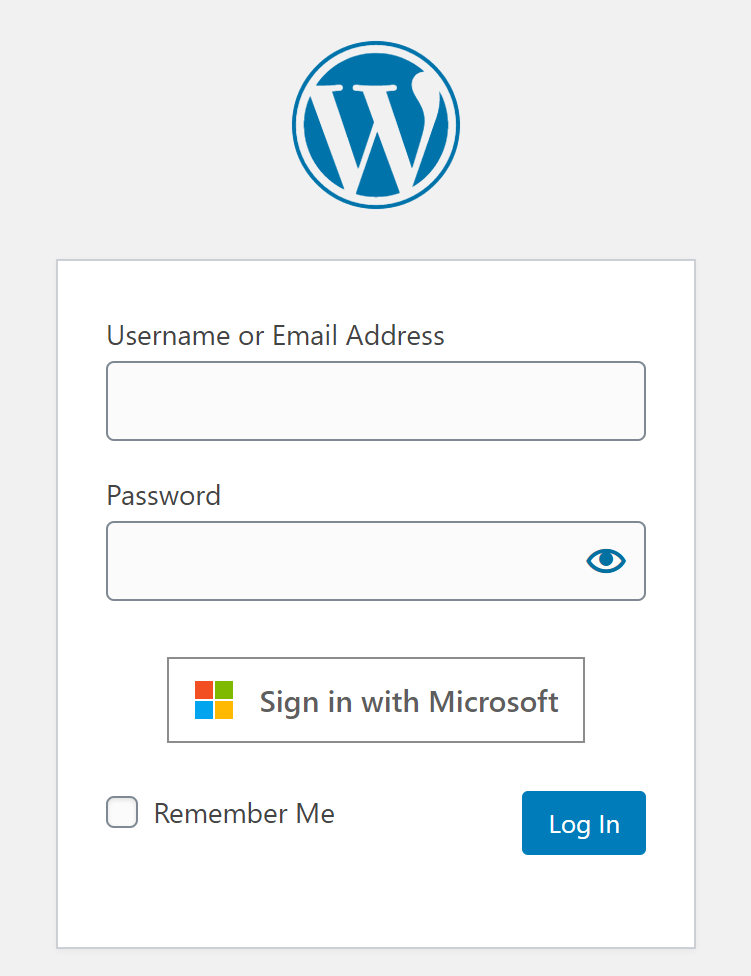
Microsoft / Azure AD based Single Sign-on 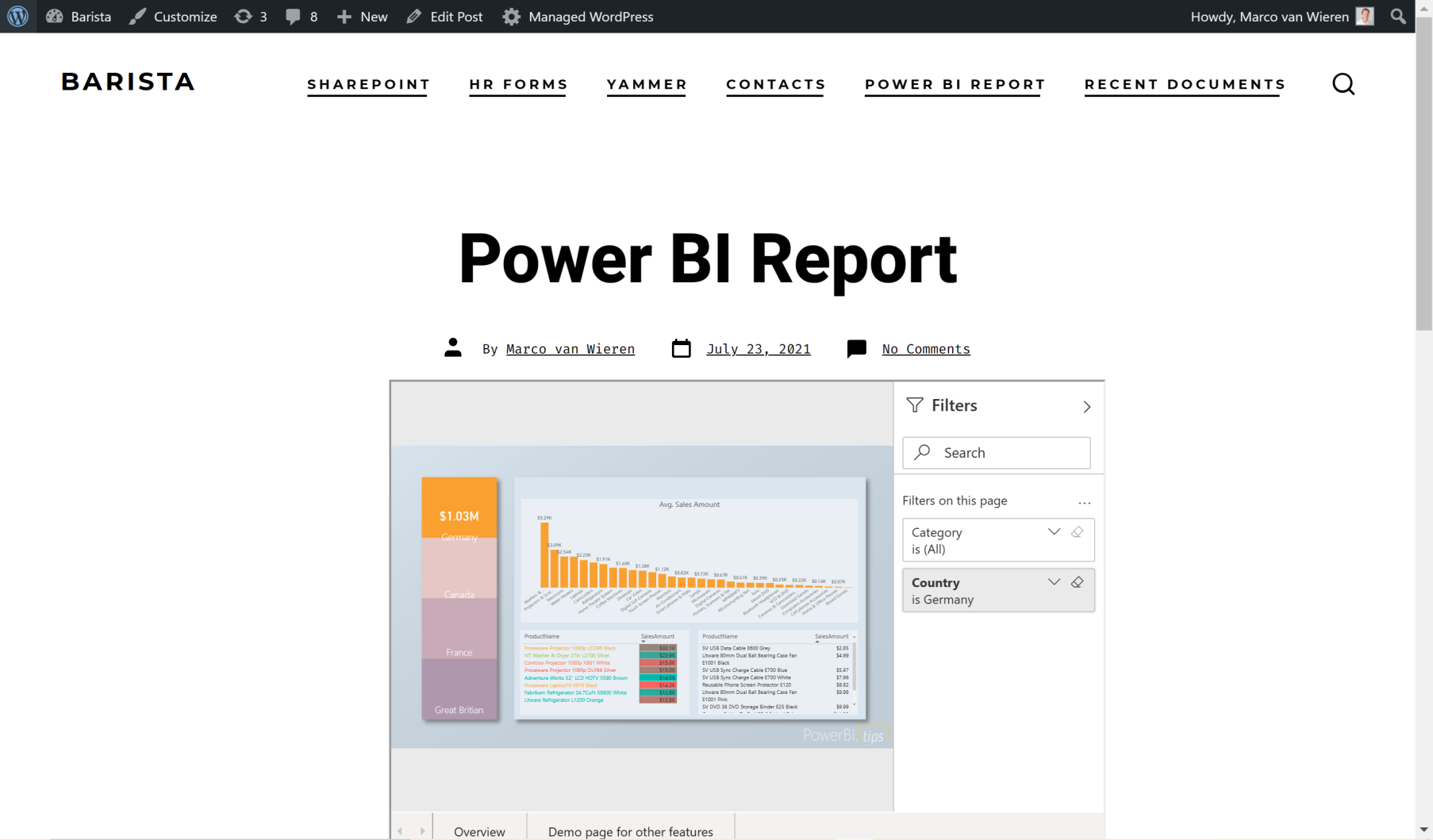
Embedded Power BI for WordPress 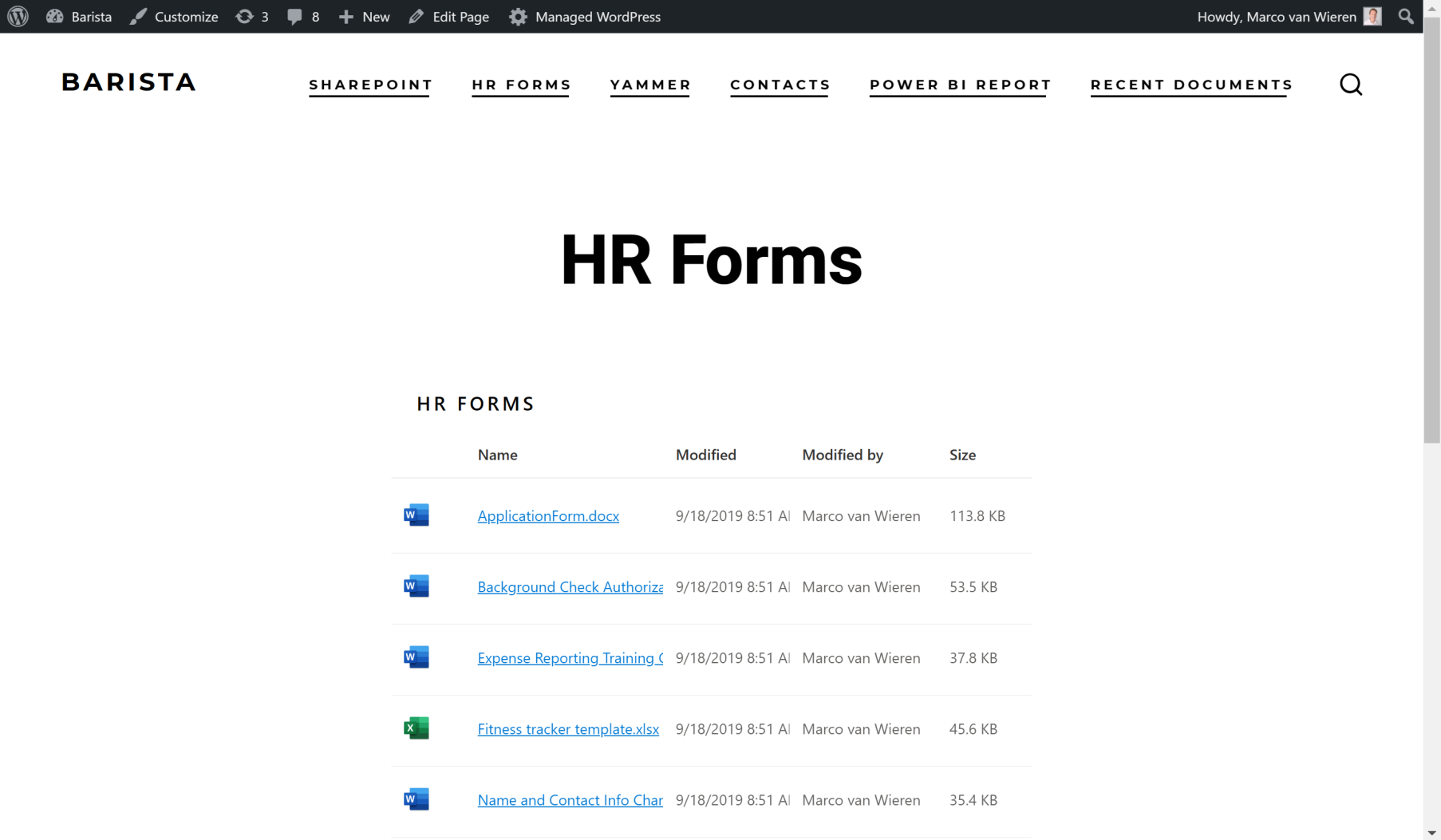
Embedded SharePoint Online Documents for WordPress 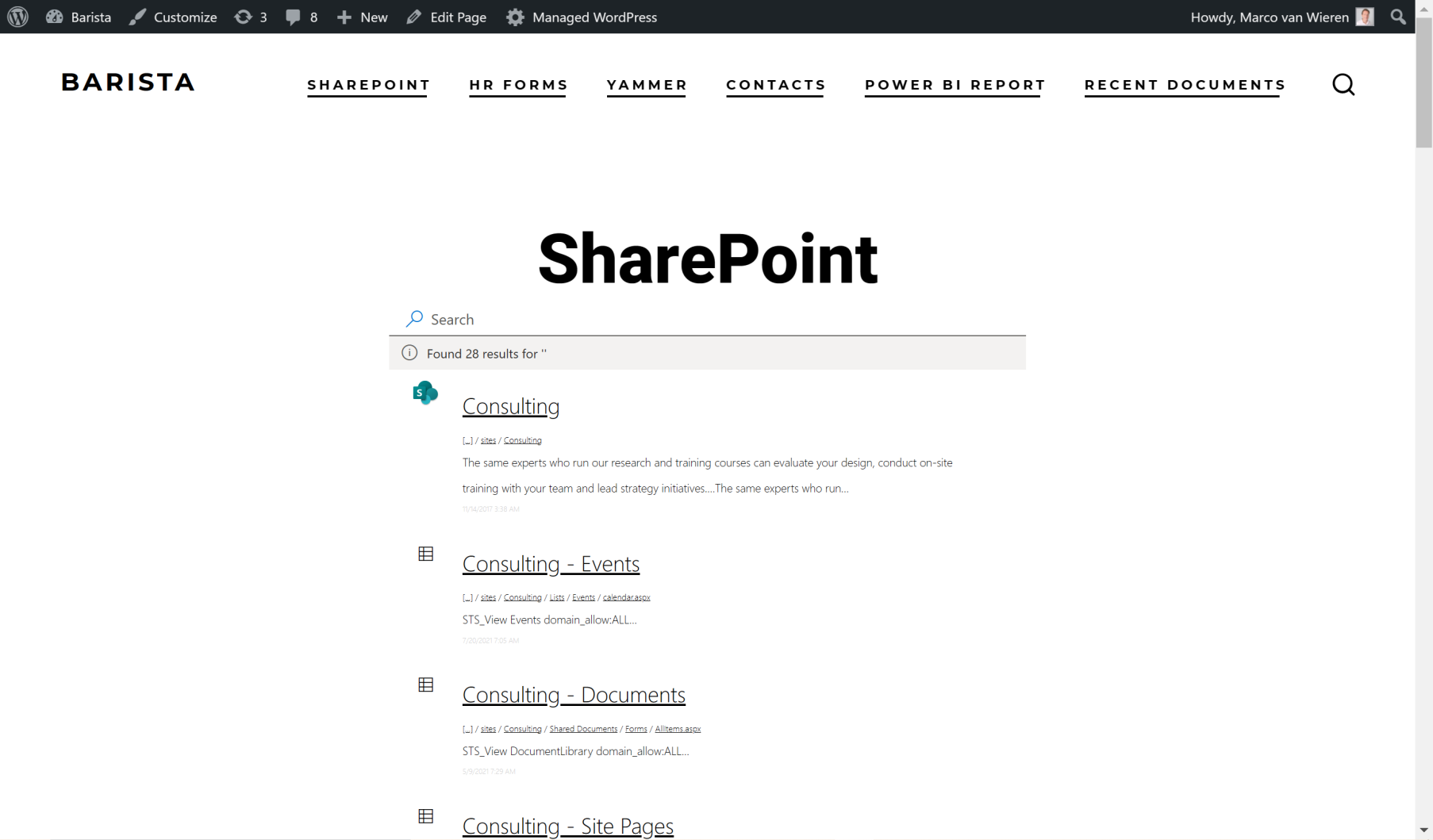
Embedded SharePoint Online Search for WordPress 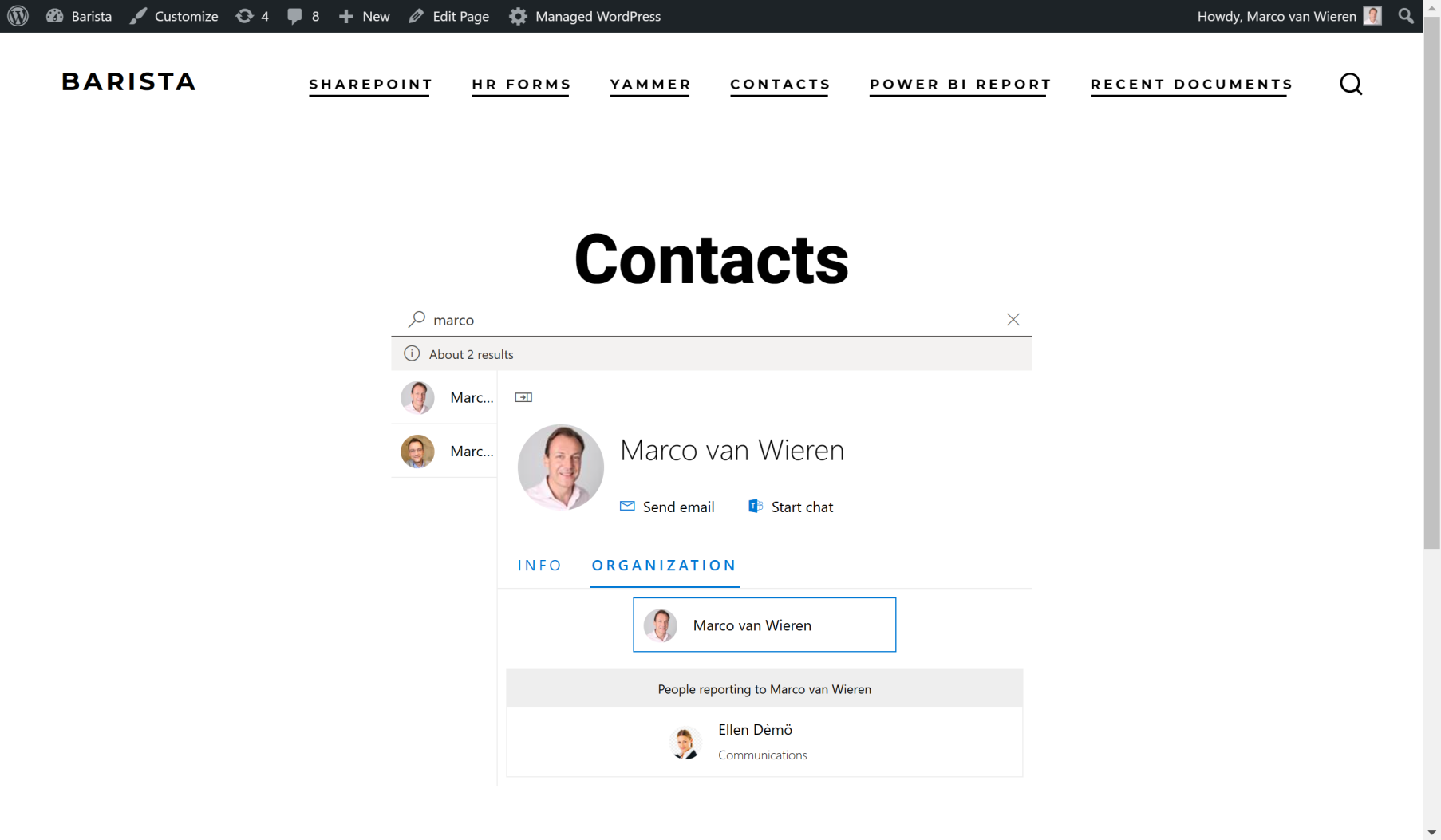
Employee Directory 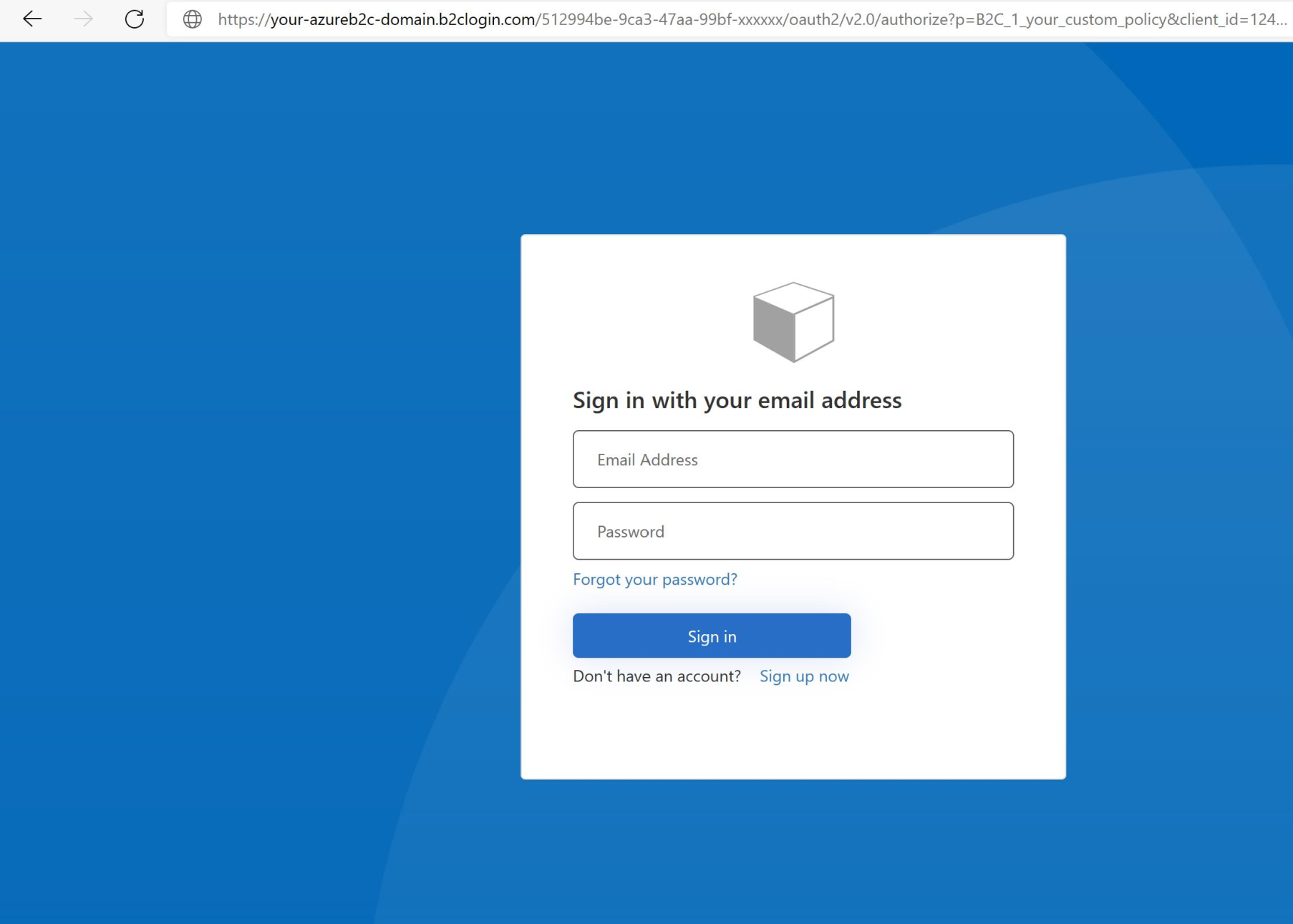
Support for Azure AD B2B and Azure AD B2C 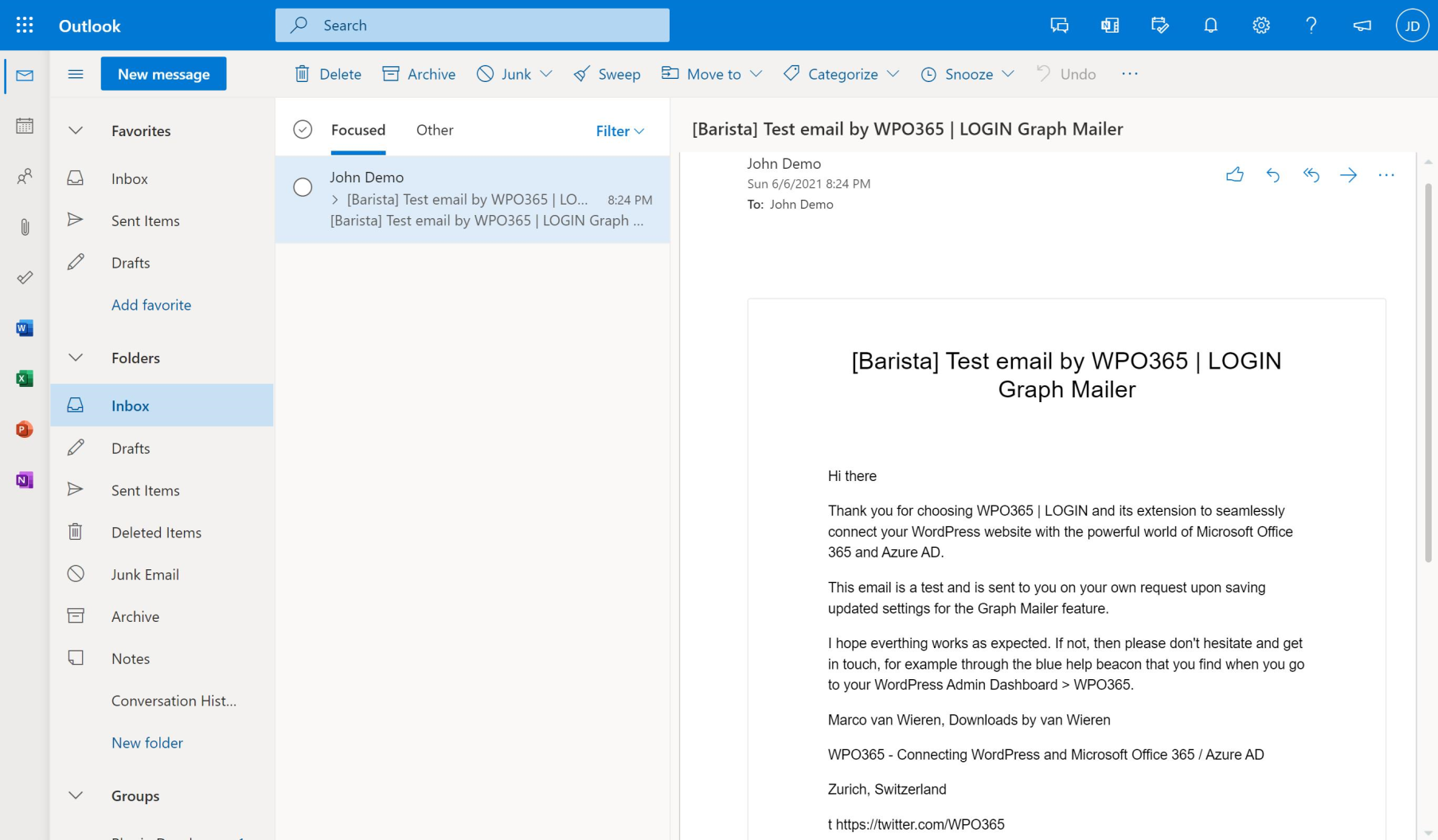
Sending WordPress email using Microsoft Graph 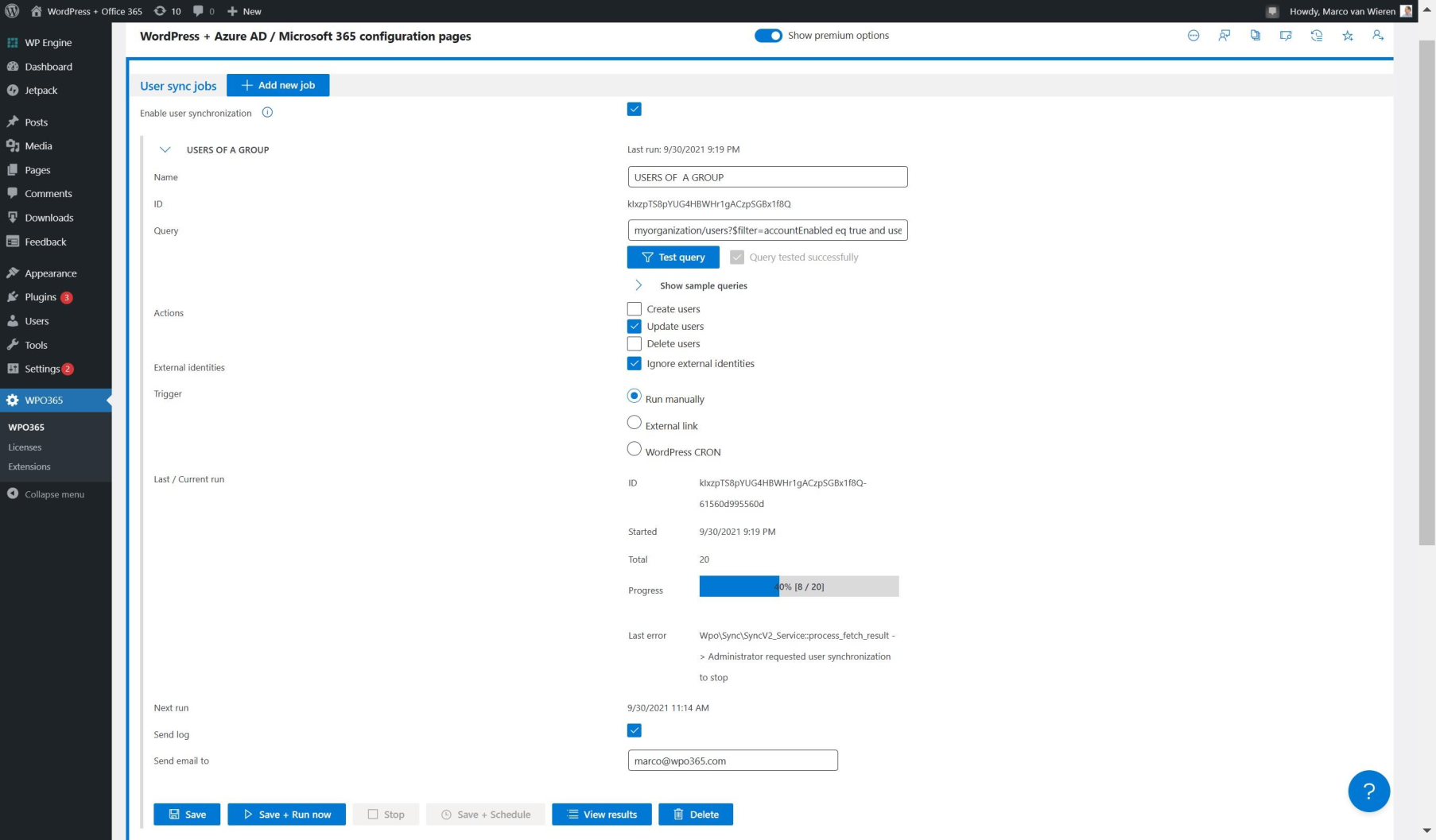
Synchronizing users from Azure AD to WordPress 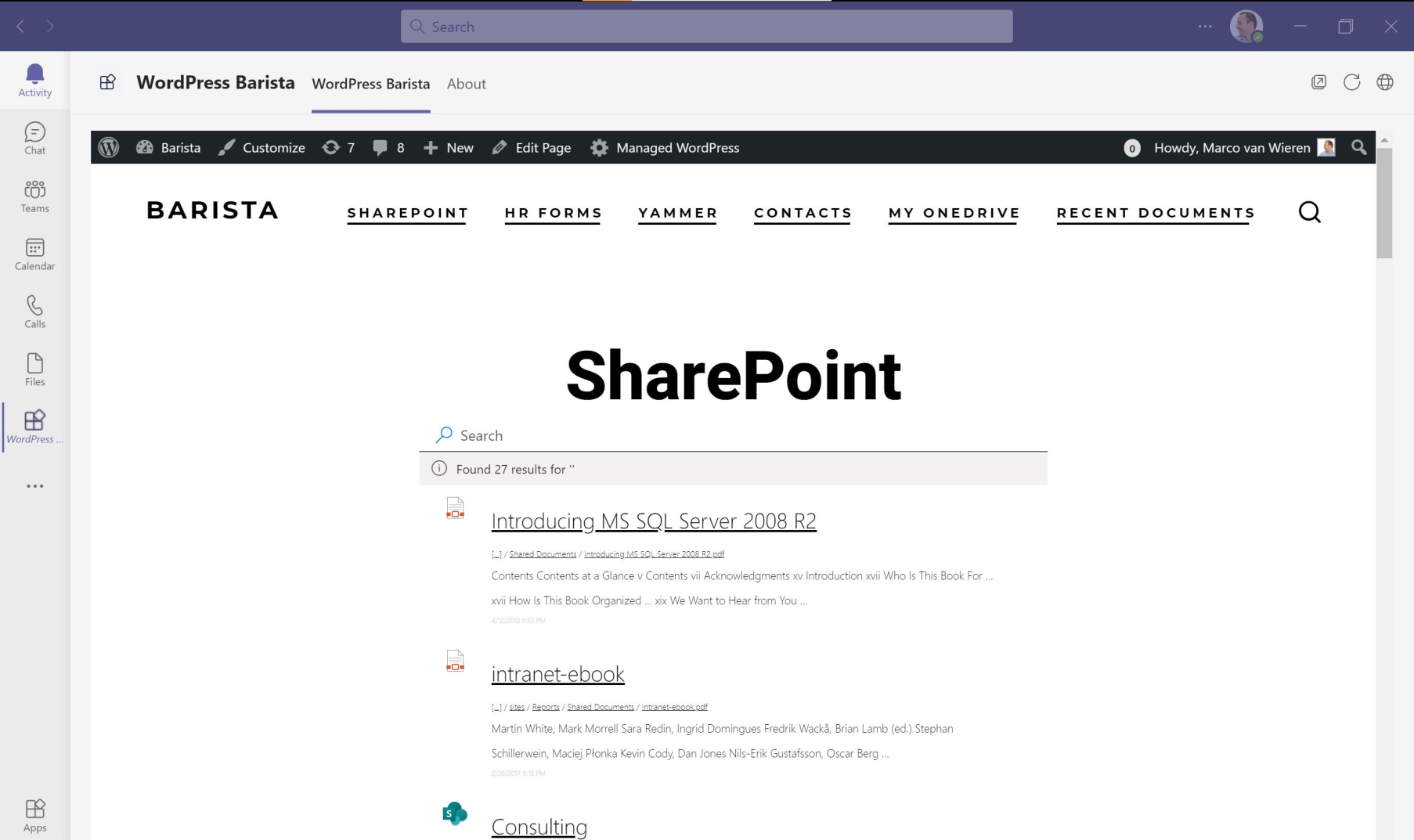
Embed WordPress in a Teams Tab or App 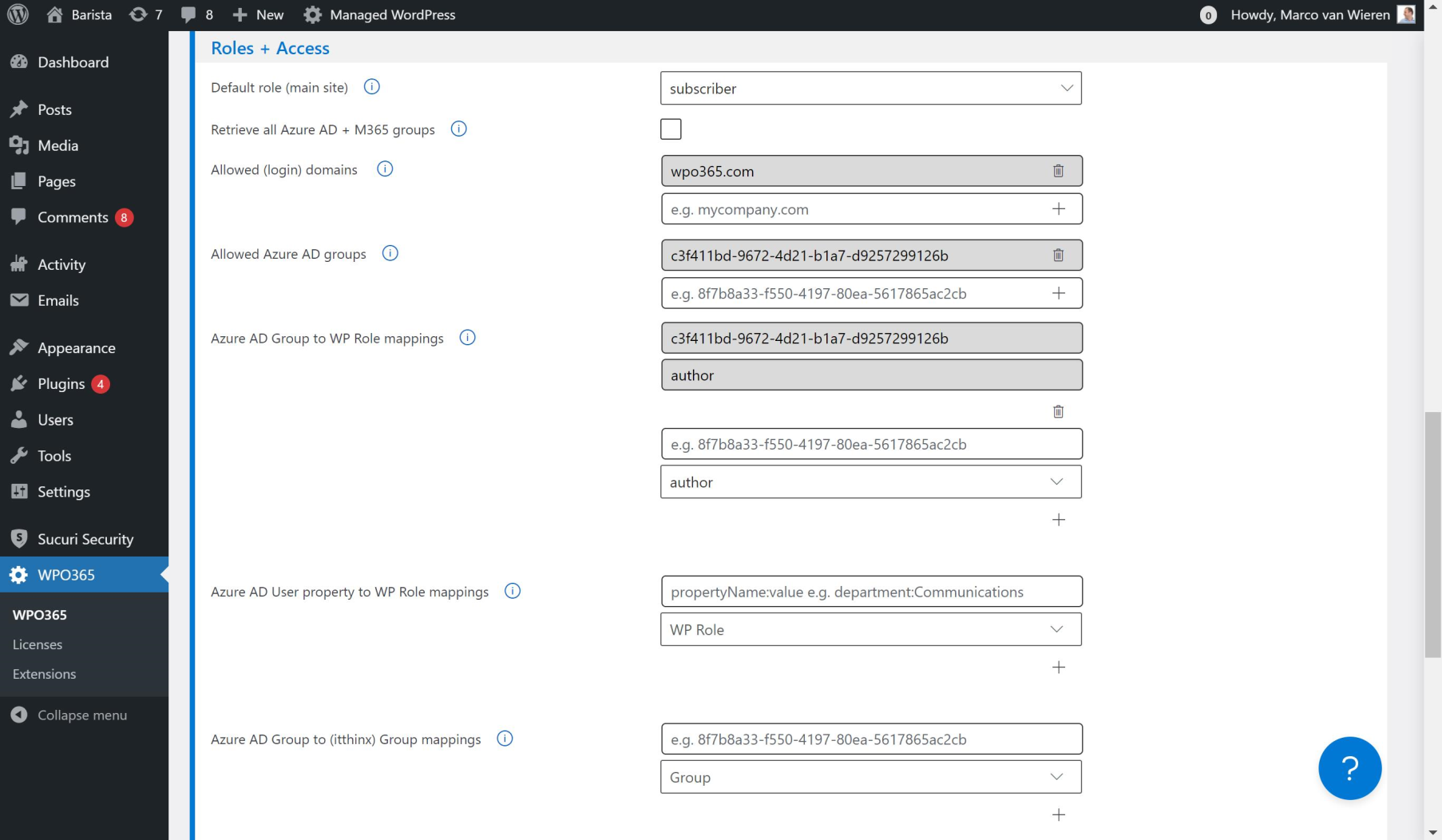
Assign WordPress roles / Deny access based on Azure AD groups
Blocks
This plugin provides 1 block.
- Documents | BASIC
Installation
Please check out our Getting Started page for detailed installation and configuration instructions.
FAQ
Please check out our online FAQs for answers to commonly asked questions.
Reviews


Contributors & Developers
“WPO365 | SEAMLESS WORDPRESS + MICROSOFT INTEGRATION (WPO365 | LOGIN)” is open source software. The following people have contributed to this plugin.
Contributors
“WPO365 | SEAMLESS WORDPRESS + MICROSOFT INTEGRATION (WPO365 | LOGIN)” has been translated into 4 locales. Thank you to the translators for their contributions.
Translate “WPO365 | SEAMLESS WORDPRESS + MICROSOFT INTEGRATION (WPO365 | LOGIN)” into your language.
Interested in development?
Browse the code, check out the SVN repository, or subscribe to the development log by RSS.
Changelog
Also available online.
v41.0.1
- Fix: Prevented duplicate or incorrect type attributes on script tags, which could cause “Cannot use import statement outside a module” errors. [LOGIN]
v41.0.0
- Change: Added a brand‑new M*365 Apps Framework for embedding content from SharePoint Online, Microsoft Entra ID, Exchange Online, and Power BI, with persistent app configuration stored in the database, a preview option, and a guided configuration wizard. [LOGIN, APPS, INTEGRATE (INTRANET)]
- Change: Redesigned the menu of the plugin’s Configuration Pages – new with a new vertical navigation, Redesigned the plugin menu with a new vertical navigation, improving clarity and access to features. [ALL]
- Improvement: To align with Microsoft’s current branding, Azure AD has been renamed to Microsoft Entra ID throughout the plugin, and all portal links now open in entra.microsoft.com. [ALL]
- Improvement: Added major enhancements to the Premium SharePoint Library embed: users can now search the library, upload files, and choose from new card templates or a more customizable HTML table view. [APPS, INTEGRATE (INTRANET)]
- Improvement: Enhanced the Exchange Online Calendar embed-app, including a date picker with event cards, and support for displaying events across a rolling one‑year period. [APPS, INTEGRATE (INTRANET)]
- Improvement: Refactored the plugin’s “User Registration” configuration and move “Roles + Access” to its own configuration page for better clarity and maintainability. [LOGIN]
- Fix: Fixed an issue in the stand‑alone WPO365 | MICROSOFT GRAPH MAILER plugin and tested and confirmed compatibility with GCC High tenants. [MAILER]
- Fix: The WPO365 | PROFESSIONAL now ships with the required integration source code for itthinx Groups. [PROFESSIONAL]
- Fix: Updated the Exchange Online Calendar embed-app so links in event descriptions now open in a new tab. [LOGIN, APPS, INTEGRATE (INTRANET)]
- Fix: Dropped the core‑js polyfill dependency as it is no longer required by the plugin. [LOGIN]
v40.3
- Improvement: Protecting the Media Library by restricting access to logged-in users is now also supported for Auth.-Only authentication scenarios. [ESSENTIALS, PROFESSIONAL, INTEGRATE, CUSTOMERS (LOGIN+, SYNC INTRANET)]
- Improvement: When protection of the Media Library is enabled, WPO365 will award a cookie when a user signs in with SSO, further optimizing the performance. [ESSENTIALS, PROFESSIONAL, INTEGRATE, CUSTOMERS (LOGIN+, SYNC INTRANET)]
- Fix: When a cookie granting access to the Media Library is not found, WordPress will now loaded in an isolated function to prevent conflicts with other variables. [ESSENTIALS, PROFESSIONAL, INTEGRATE, CUSTOMERS (LOGIN+, SYNC INTRANET)]
- Fix: The exported SAML 2.0 service provider XML configuration file is now “well-formed”. [LOGIN]
- Fix: The ROLES + ACCESS (premium) plugin now includes the mapping tool for itthinx Groups. [ROLES + ACCESS]
- Fix: The SCIM (premium) plugin now unlocks the “custom field mapping tool” on the plugin’s “User Sync” configuration page. [SCIM]
v40.2
- Security Fix: An XSS vulnerability has been patched. [ALL]
v40.1
- Fix: Two free / basic apps for embedding Microsoft 365 services — SharePoint Online Search and Employee Directory — failed to perform their search functionality. [LOGIN]
v40.0
- Security Fix: A Server Side Request Forgery (SSRF) vulnerability has been patched. [ALL]
- (Breaking) Change: The long-term deprecated version of WPO365 User Synchronization has now been removed. [INTEGRATE (SYNC, INTRANET)]
- Improvement: When an administrator enables WPO365’s “shared” WPMU-mode, WPO365 can now be configured to update the user’s WordPress role(s) based on your Entra group-to-WP-role mappings not only for the current site, but also for all subsites where the user is a member. See the online documentation for details. [ROLES + ACCESS, PROFESSIONAL, INTEGRATE, CUSTOMERS (SYNC, INTRANET)]
- Improvement: This version introduces a number of enhancements when embedding an Outlook / Exchange Online calendar in WordPress:
- The free version now supports clickable items to pop up a dialog with the event’s details.
- Premium versions can now also use a Shared Calendar as their source.
- The event’s HTML content will now be rendered in an iframe.
- Event details will now list the event start and end date, location and a clickable link in case of an online meeting.
- By default will (new) calendars show an extra column for the event’s end date.
- Multi-day events are now easily identifiable by a dedicated icon.
- See the updated feature documentation.
- Improvement: Confirms support for WordPress 6.9. [ALL]
- Improvement: When embedding Power BI content in WordPress for customers, WPO365 will now also update dynamic tokens found in an Effective Identity’s customData property. The online documentation has been updated to reflect this. [APPS, INTEGRATE (INTRANET)]
- Improvement: Direct Access to the Media Library now uses a cookie, to prevent 429 Too Many Requests errors and to reduce the server load. The online documentation has been updated accordingly. [ESSENTIALS, PROFESSIONAL, INTEGRATE, CUSTOMERS (LOGIN+, SYNC, INTRANET)]
- Fix: When WPO365 User Synchronization is triggered via an external link, WPO365 now waits for WordPress to fully initialize, ensuring that all hooks (filters and actions) are properly attached. [INTEGRATE (SYNC, INTRANET)]
Older versions
Please check the online change log for previous changelogs.