

Description
Ocean Extra adds extra features and flexibility to the OceanWP theme for a turbocharged experience.
Build any type of a professional looking website without any coding knowledge and by controlling every aspect of it with ease. With Ocean Extra you’re in command and have full authority over available features and options.
👉 Ocean Core Extensions Bundle
👉 Ocean Full Website Templates
📘 Documentation
🎬 Video Tutorials
💙 Join the official OceanWP Facebook community and always be up to speed with the latest news.
Check out the video when Ocean Extra’s Theme Panel received a makeover to become OceanWP Panel and an overview of its capabilities
Ocean Extra is a 100% free WordPress plugin that enriches your website building experience by adding extra features to the OceanWP free theme. Save time and effort, and reduce the need for additional plugins or custom codes.
Everyone deserves a polished website with expert features, and so do you.
🔥 Check out the Premium Features for additional power, energy and ability.
Copyright
Ocean Extra, Copyright 2016-2025 OceanWP LLC
Ocean Extra is distributed under the terms of the GNU GPL.
Ocean Extra uses the following third-party resources:
Font Awesome Fonts, Copyright Fonticons, Inc.
License: SIL OFL 1.1 License – https://scripts.sil.org/OFL
Source: https://fontawesome.com/
Font Awesome Icons, Copyright Fonticons, Inc.
License: CC BY 4.0 License – https://creativecommons.org/licenses/by/4.0/
Source: https://fontawesome.com/
Font Awesome Code, Copyright Fonticons, Inc.
License: MIT License – https://opensource.org/licenses/MIT
Source: https://fontawesome.com/
Features
Features listed below are just a fraction of the most significant Ocean Extra possibilities:
* Host Google fonts locally
* Adobe Fonts integration
* Custom templates support
* Individual page / post control
* Freemium website templates import
* WordPress widgets
* Mega Menu
* Menu icons
* Various shortcodes
* Customizer sections control
* Customizer search
* Customizer reset
* Customizer styling import / export
* Integration
* Extra settings
* Admin settings
* Website preloader
* Premium licenses panel & more
HOST GOOGLE FONTS LOCALLY
1-click solution, no font upload required. (Any Google font you apply from the Customizer)[https://docs.oceanwp.org/article/808-host-google-fonts-locally] will load from your site automatically, making your website faster and GDPR friendly in an instant. This feature also supports the Elementor page builder and Google fonts applied through it.
ADOBE FONTS INTEGRATION
Add Adobe Fonts (Typekit) to your OceanWP theme. The (integration supports Adobe fonts usage)[https://docs.oceanwp.org/article/849-how-to-add-adobe-fonts-typekit] with the OceanWP theme and plugins (Customizer), as well as Elementor.
CUSTOM TEMPLATES SUPPORT
Create as many templates as you like, using any page builder you want, including Gutenberg. Create and apply a custom header or footer directly through the Customizer. Display custom templates using shortcodes, hooks or even custom codes.
INDIVIDUAL PAGE / POST CONTROL
This feature is enabled through the metabox settings and gives you full control over every page or post on your website independantly from your global Customizer settings. For example, you can apply a different page layout or a custom sidebar; you can enable or disable the Header, Top Bar, Page Title, Footer Widgets, Footer Copyright. You can apply a different navigation menu, header style, page title style, play with colors, custom titles, apply templates through shortcodes and much, much, much more.
FREEMIUM WEBSITE TEMPLATES
Don’t feel like starting a website from scratch? Import one of the freemium full website templates and edit content and styling as you go. Depending on the template type, each contains sample pages, sample posts and Customizer styling. Website templates are also known as demos or site kits.
WORDPRESS WIDGETS
Enrich your widget areas such as sidebars or footer with additional widgets like: About Me, Contact Info, Recent Posts (with thumbnails), Custom Menu, Social Icons, Social Share and more.
MEGA MENU
Turn your website navigation into a mega menu with a simple setup directly through the WordPress Menus option.
MENU ICONS
Add icons to some or all of your menu items. Several icon libraries are supported, like Font Awesome, Simple Line Icons, Dashicons and more.
VARIOUS SHORTCODES
Use OceanWP shortcodes to display dynamic content on your website, such as: current year, current user, login / logout link, breadcrumbs, WooCommerce cart and more.
CUSTOMIZER SECTIONS CONTROL
Disable any of the Customizer panels from loading, to increase the Customizer loading time or focus on your tasks. This feature allows you to disable only those panels created by the OceanWP theme or any of the Ocean plugins. Likewise, you can enable all panels back again.
CUSTOMIZER SEARCH
The search option within the Customizer helps you find all relevant settings instantly. Enable or disable per need.
CUSTOMIZER RESET
Unhappy with your Customizer settings and styling? Or you would like to import different styling? Reset all current settings to OceanWP’s default values and apply your design.
CUSTOMIZER STYLING IMPORT / EXPORT
Export your Customizer styling options to use on other sites, to save as backup or simply speed up the design process. Likewise, import an existing Customizer styling file and apply all settings in a breeze.
INTEGRATION
The Integration panel helps you enable SVG file upload support for the WordPress Media Library, connect with MailChimp, Google reCaptcha, Google Maps and more.
EXTRA SETTINGS
The Extra Settings panel allows you to disable or enable Ocean Extra plugin components, like the meta box, custom templates support, widgets, etc.
ADMIN SETTINGS
The Admin Settings panel offers control over additional features, like regenerating the local Google fonts CSS file, disabling the “edit” link on post archive pages which is visible to admins, and more.
WEBSITE PRELOADER
Dealing with heavy page content such as videos or slow hosting? Enable the (website preloader feature)[https://docs.oceanwp.org/article/851-oceanwp-website-preloader] on your website to reduce bounce rate, entertain visitors, brand site or more.
PREMIUM OCEAN FEATURES
Some of the most outsanding premium features controled by the Ocean Extra’s OceanWP Panel include:
* Ocean Images: Import royalty free images and icons directly to your Media Library, a feature that is included in the Ocean Core Extensions Bundle and the Ocean Pro Demos plugin.
* Full Website Templates: Import any of the 220+ full website templates (demos, site kits) to kick start your website fast.
* Elementor Widgets: Disable or enable any of the widgets that come with the Ocean Elementor Widgets plugin.
* Elementor Library: Control the settings of the Elementor Sections Library, that counts over 60 various designs. Create your page content as you. This feature is included in the Ocean Core Extensions Bundle and the Ocean Pro Demos plugin.
* Gutenberg Blocks: Disable or enable any of the blocks that come with the Ocean Gutenberg Blocks plugin.
* White Label: Whitelabel your OceanWP theme, personalize it and make it your own, with the Ocean White Label plugin.
Screenshots
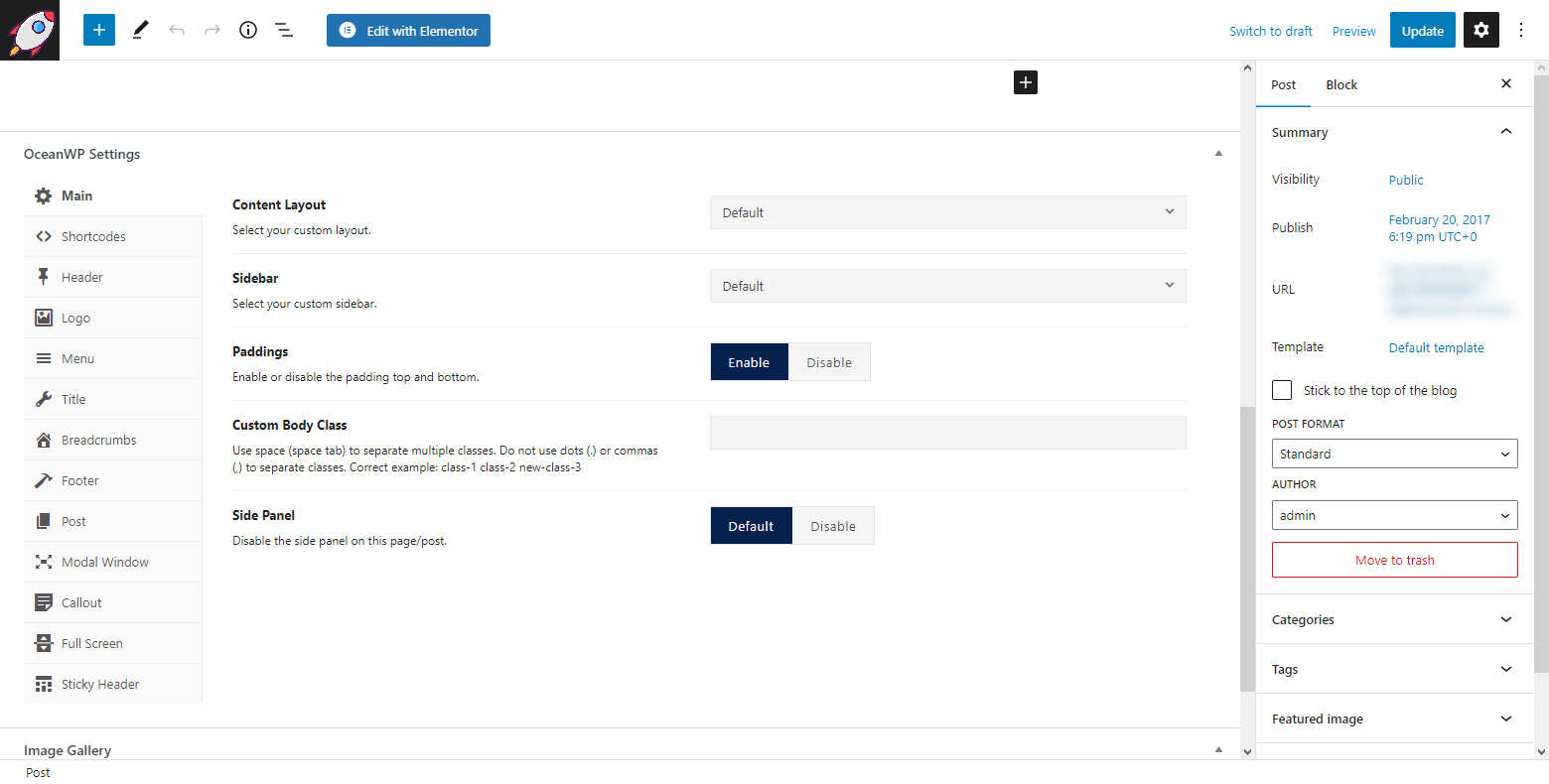
The OceanWP meta box Settings allow you full control over every page and post. 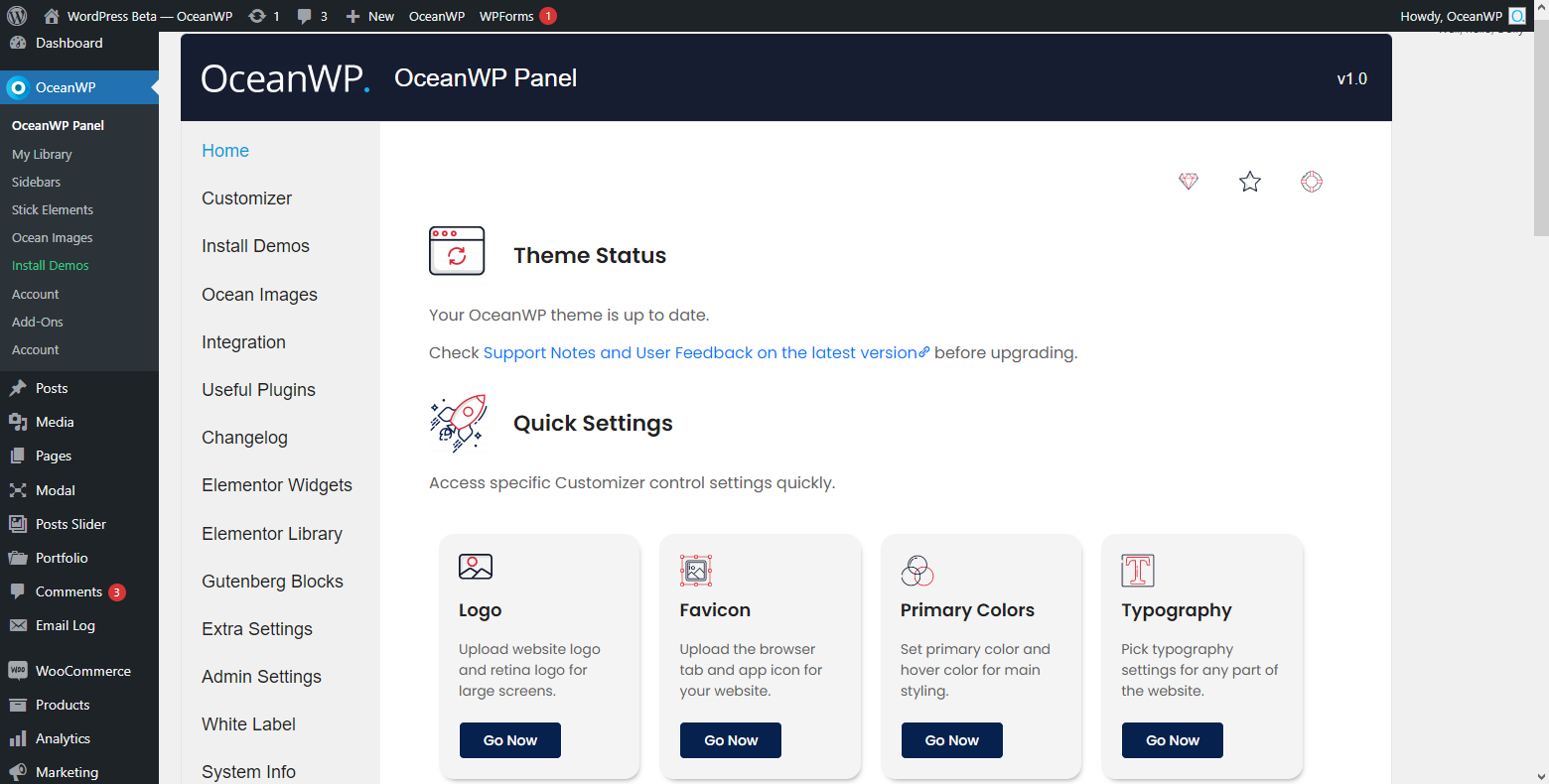
The OceanWP Panel homepage overview. 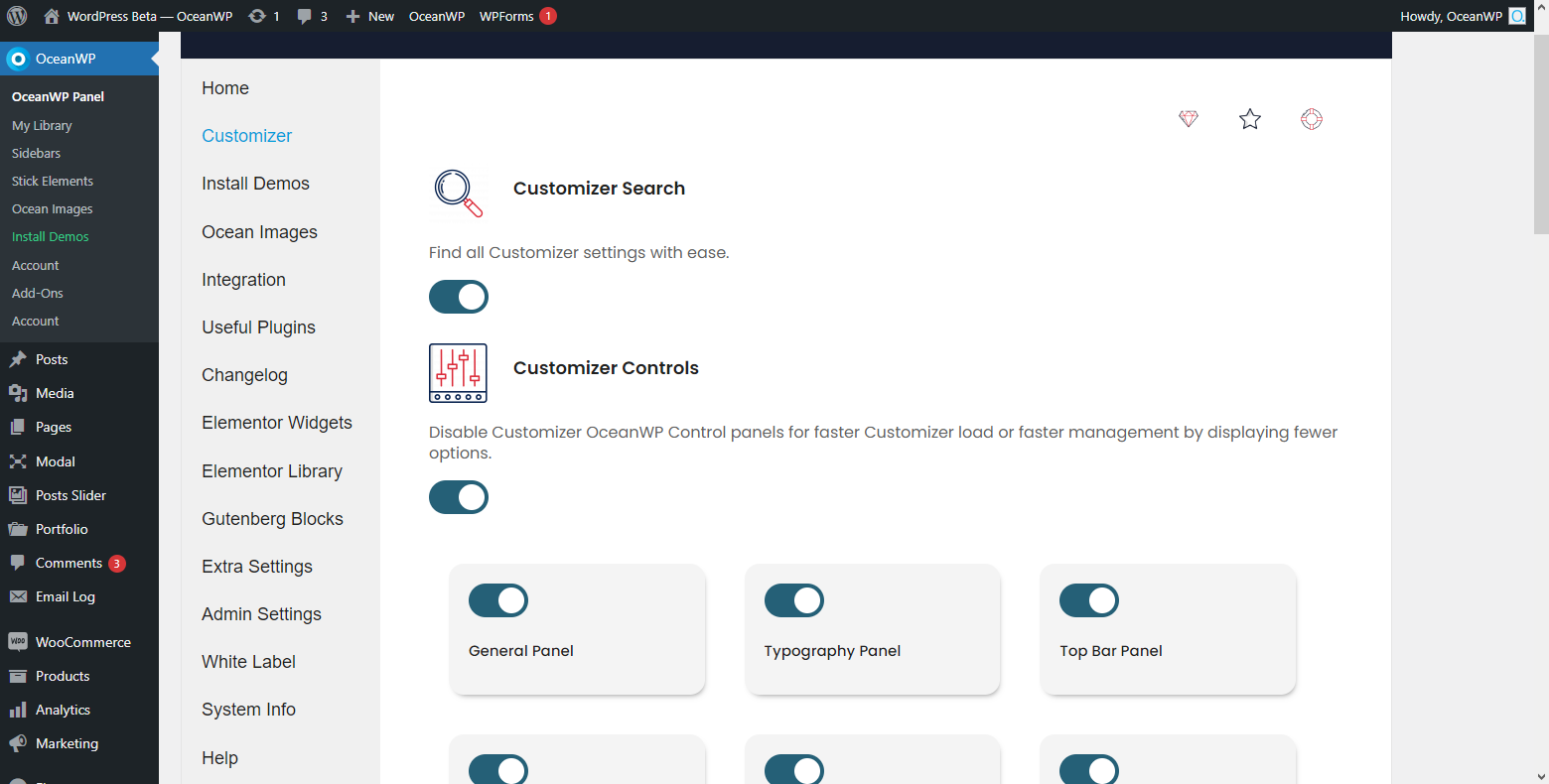
The OceanWP Panel Customizer options and controls. 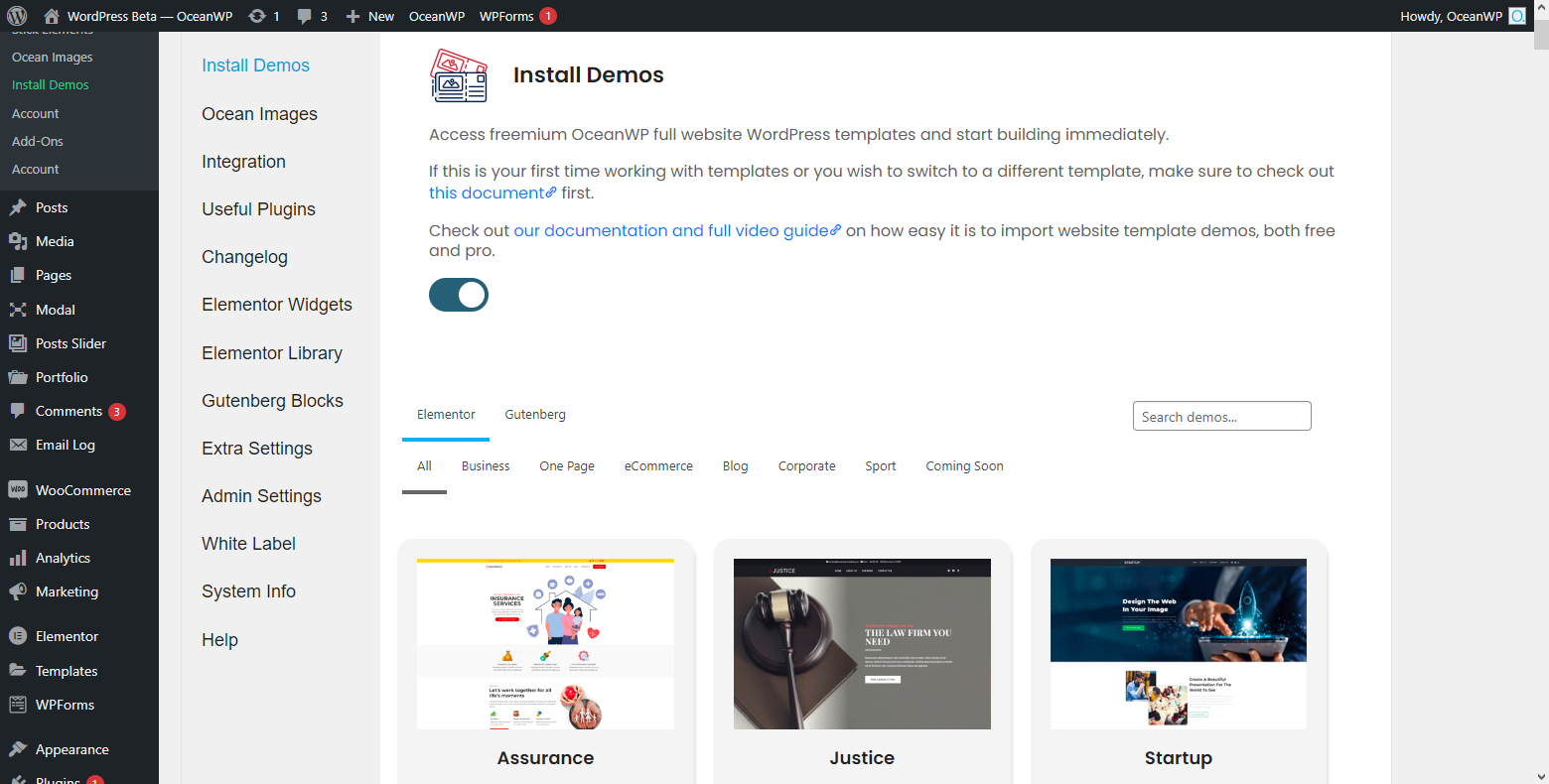
The OceanWP Panel website template import feature overview – part I. 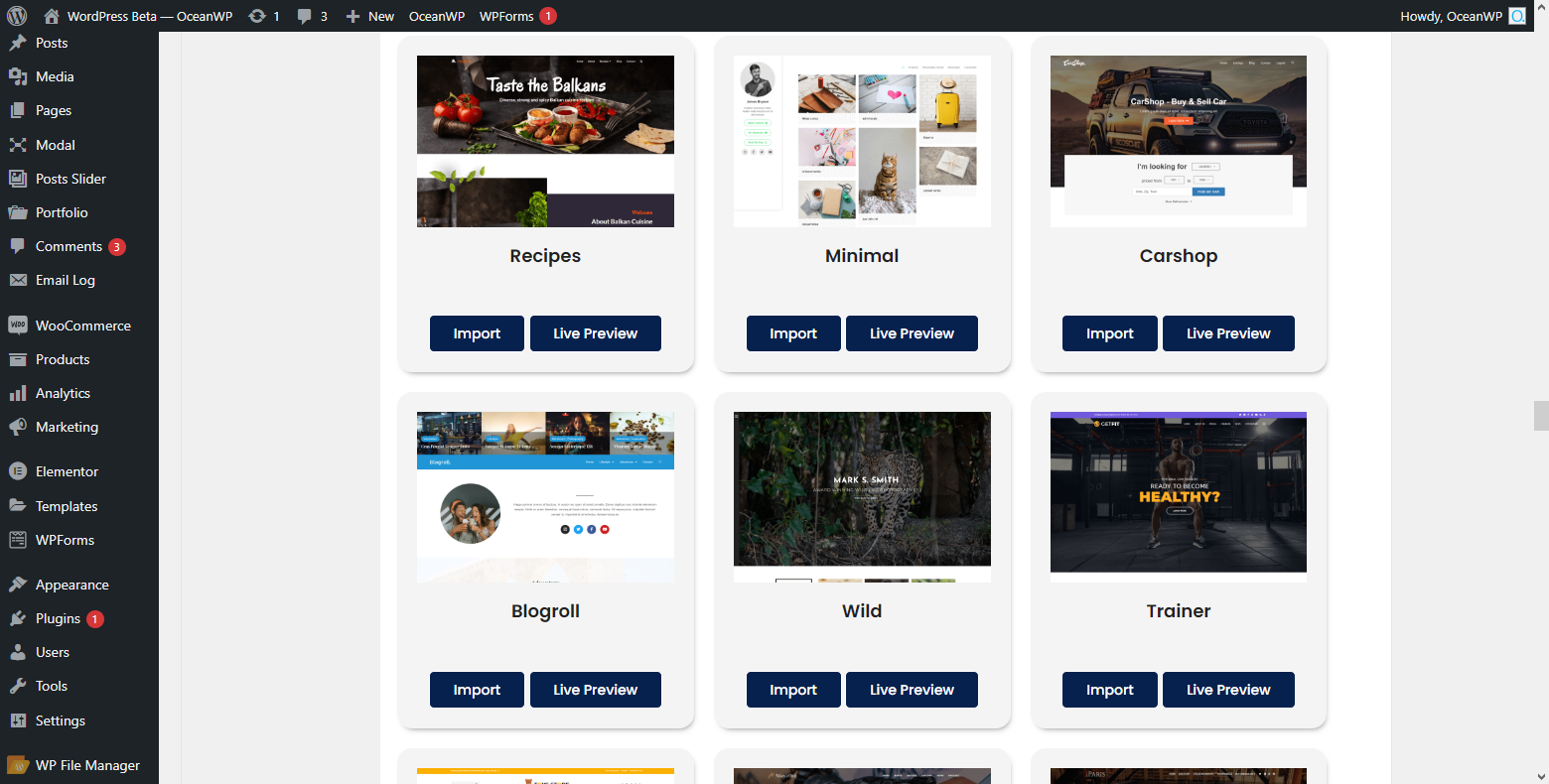
The OceanWP Panel website template import feature overview – part II. 
The OceanWP Panel, Admin Settings overview. 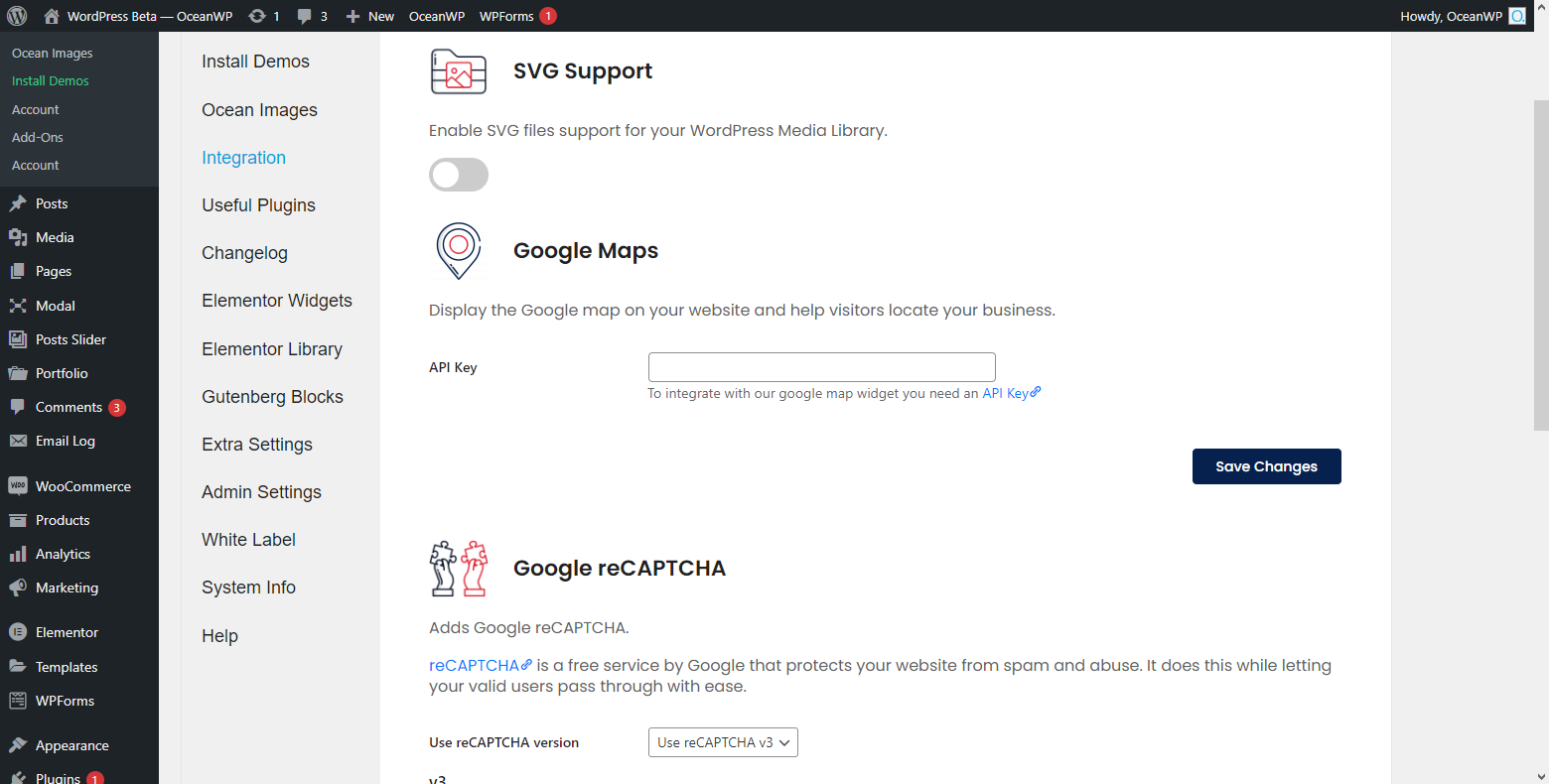
The OceanWP Panel, Integration options overview. 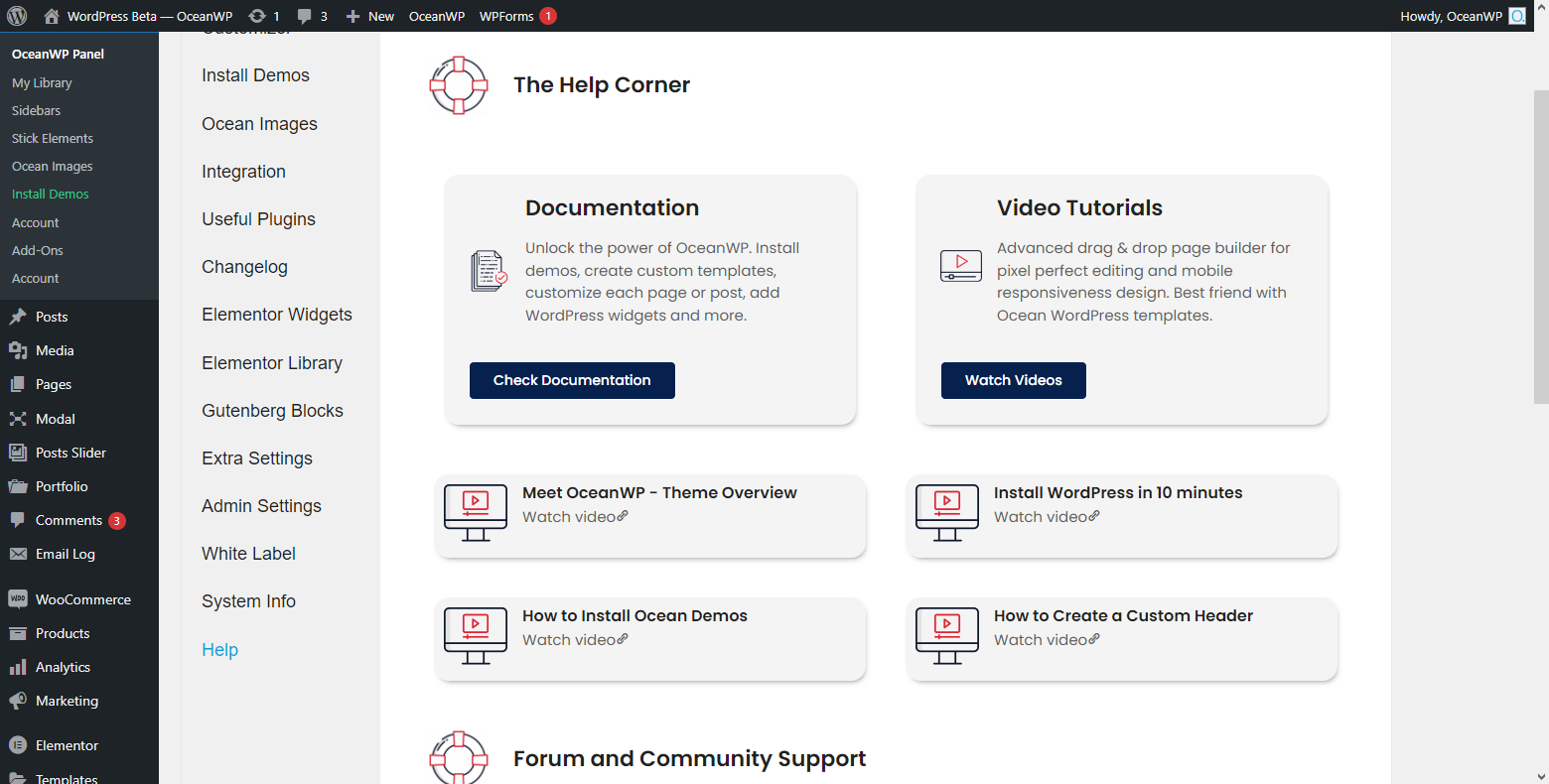
The OceanWP Panel, Help section overview. 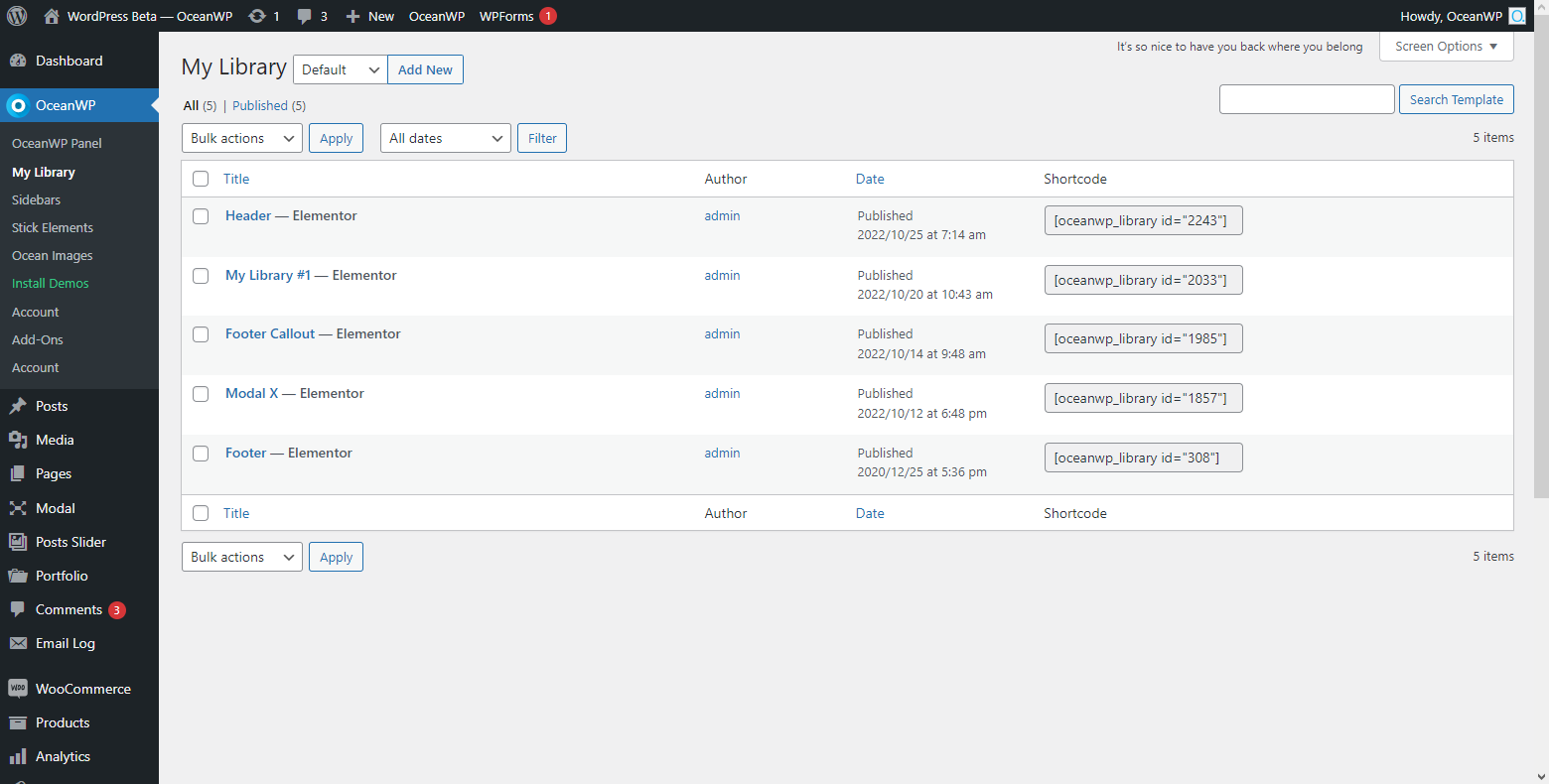
My Library, custom template support for header, footer, etc. 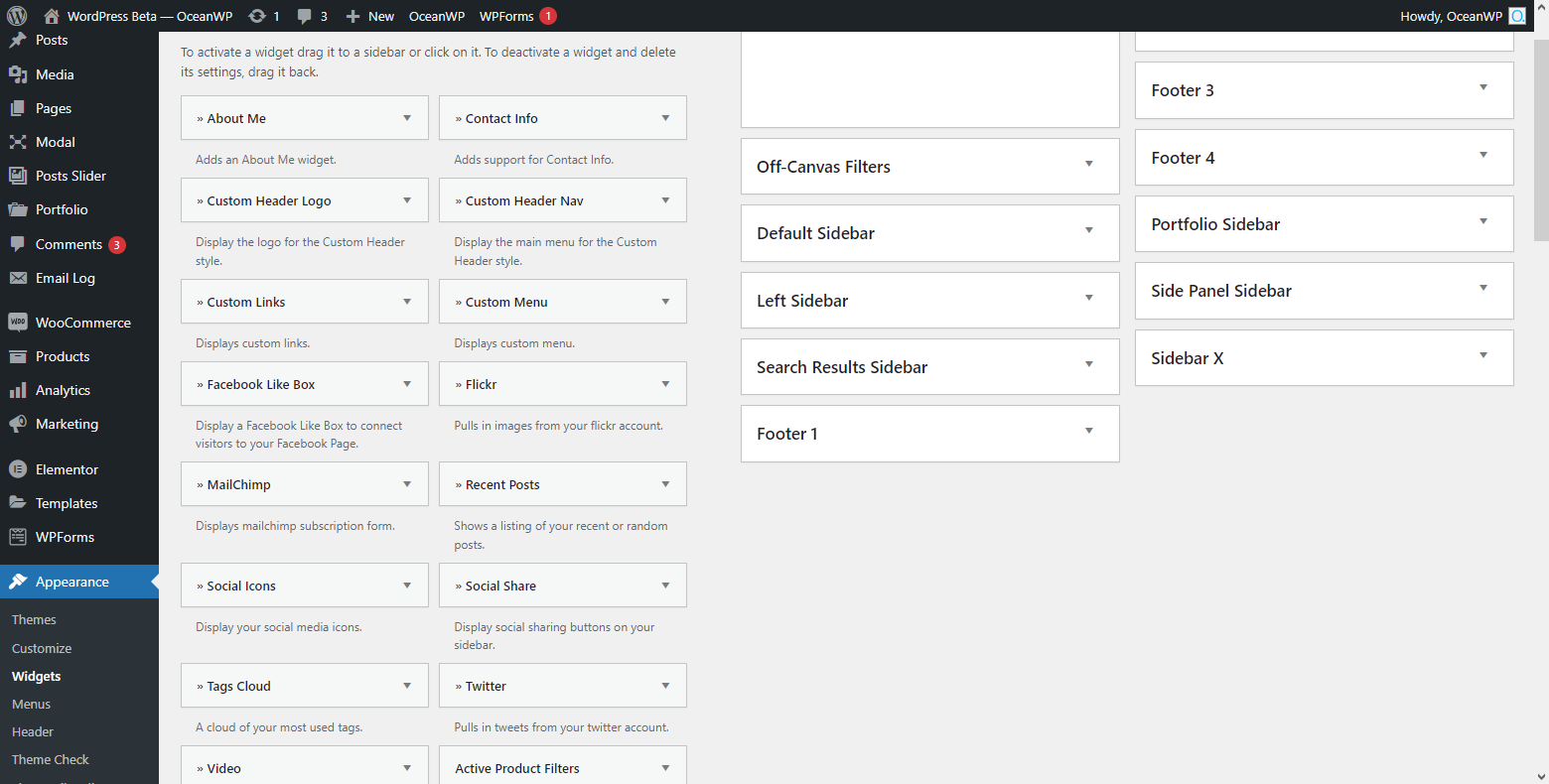
Various custom WordPress widgets. 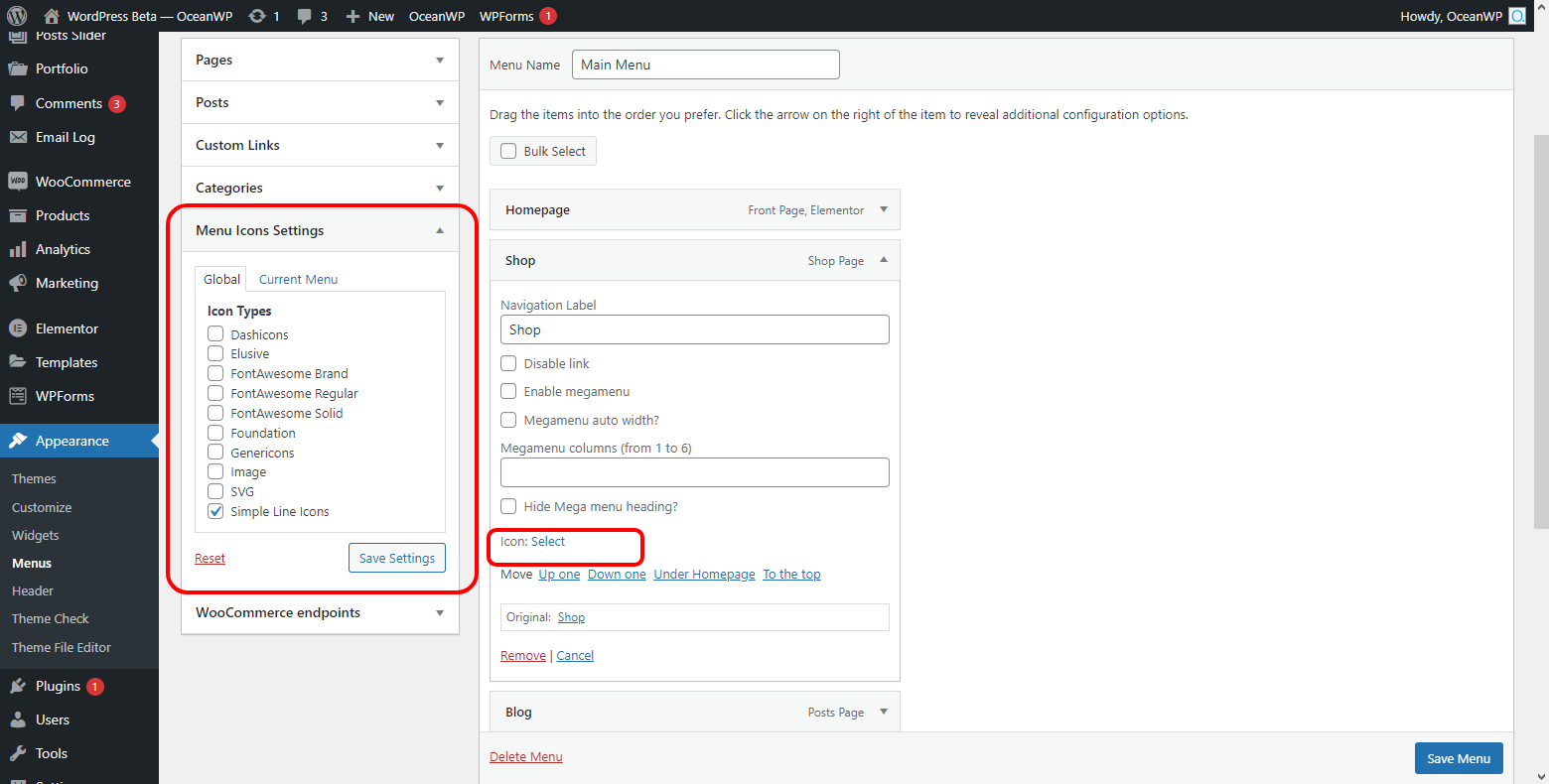
WordPress Menu icons support feature, various icon libraries support.
Installation
USING WORDPRESS PLUGIN INSTALLER
- Go to your WordPress Dashboard, ‘Plugins > Add New’.
- Search for ‘Ocean Extra’.
- Click ‘Install’ and then ‘Activate’.
- Done!
MANUAL INSTALLATION
- Download the ‘ocean-extra’ zip file.
- Extract the content and copy to the
/wp-content/plugins/directory of your WordPress installation. - Navigate to your WordPress dashboard, ‘Plugins > Installed Plugins’.
- Find the ‘Ocean Extra’ plugin and activate.
- Done!
FAQ
-
I installed the plugin but it does not work
-
This plugin will only function with the OceanWP theme.
-
Is Ocean Extra free?
-
Ocean Extra is a 100% free WordPress plugin on full power mode and without any limitations on its features.
Some of the additional and premium features are controled through the OceanWP Panel which is an Ocean Extra feature, but there is no premium version of the Ocean Extra plugin itself. -
Some features or content parts have been created using Ocean premium extensions.
Unless you have a premium license, those features or content parts will not be displayed or enabled on your website.However, you can still import any of the freemium Ocean demos / website templates and recreate those features using any other plugin of your choice.
-
No. Both freemium and premium Ocean demos / website templates make use only of the free version of third-party plugins.
-
Where can I get support?
-
You can post your questions on the plugin support forum or the OceanWP support forum which is mostly used by all our users.
If you have a premium license, you can also submit a customer support ticket. -
How do I know it’s safe to update the plugin?
-
We do our best to test all changes before the official release. However, we will never be able to replicate all website conditions.
No matter what plugins you are running, it’s always recommended to test an update on a staging or test environment.You can also check Support Notes and User Feedback before updating your plugin.
-
Where can I report problems or bugs?
-
You can report problems on this support forum or on GitHub.
Reviews


Contributors & Developers
“Ocean Extra” is open source software. The following people have contributed to this plugin.
Contributors


“Ocean Extra” has been translated into 14 locales. Thank you to the translators for their contributions.
Translate “Ocean Extra” into your language.
Interested in development?
Browse the code, check out the SVN repository, or subscribe to the development log by RSS.
Changelog
2.5.5 – MAR 31 2026
- Updated: Setup Wizard: Optional newsletter integration provider changed in favor of a self-hosted solution. Remains strictly opt-in.
- Fixed: Hooks: Hook condition on product category pages. Also relates to the exact same problem in Ocean Hooks plugin.
- Fixed: Error ‘The editor has encountered an unexpected error’ in Customizer > Widgets after importing demos that contain classic widgets.
2.5.4 – MAR 9 2026
- Fixed: Potential vulnerability patched: Report by Patchstack from FEB 16th 2026 / patch verification from MAR 4th 2026. Shoutout and a thanks to the Patchstack team for patch test and confirmation.
2.5.3 – FEB 16 2026
- Improved: Demo Import: Dynamic menu location assignment after import.
- Improved: Demo Import: Conditional step validation of the import workflow.
2.5.2 – NOV 24 2025
All previous changelogs available at: https://docs.oceanwp.org/article/654-ocean-extra-changelog