
Description
Search is changing. Classic rankings and AI-generated answers both favor content with clear, credible authorship. That is what Google calls E-E-A-T: Experience, Expertise, Authoritativeness, and Trust. Content with a visible, verifiable author wins in both worlds.
ZMonstrs EEAT SEO turns the throwaway author byline into an authority signal: the Power Bio Box, a smart tabbed author box at the end of every post.
What it does
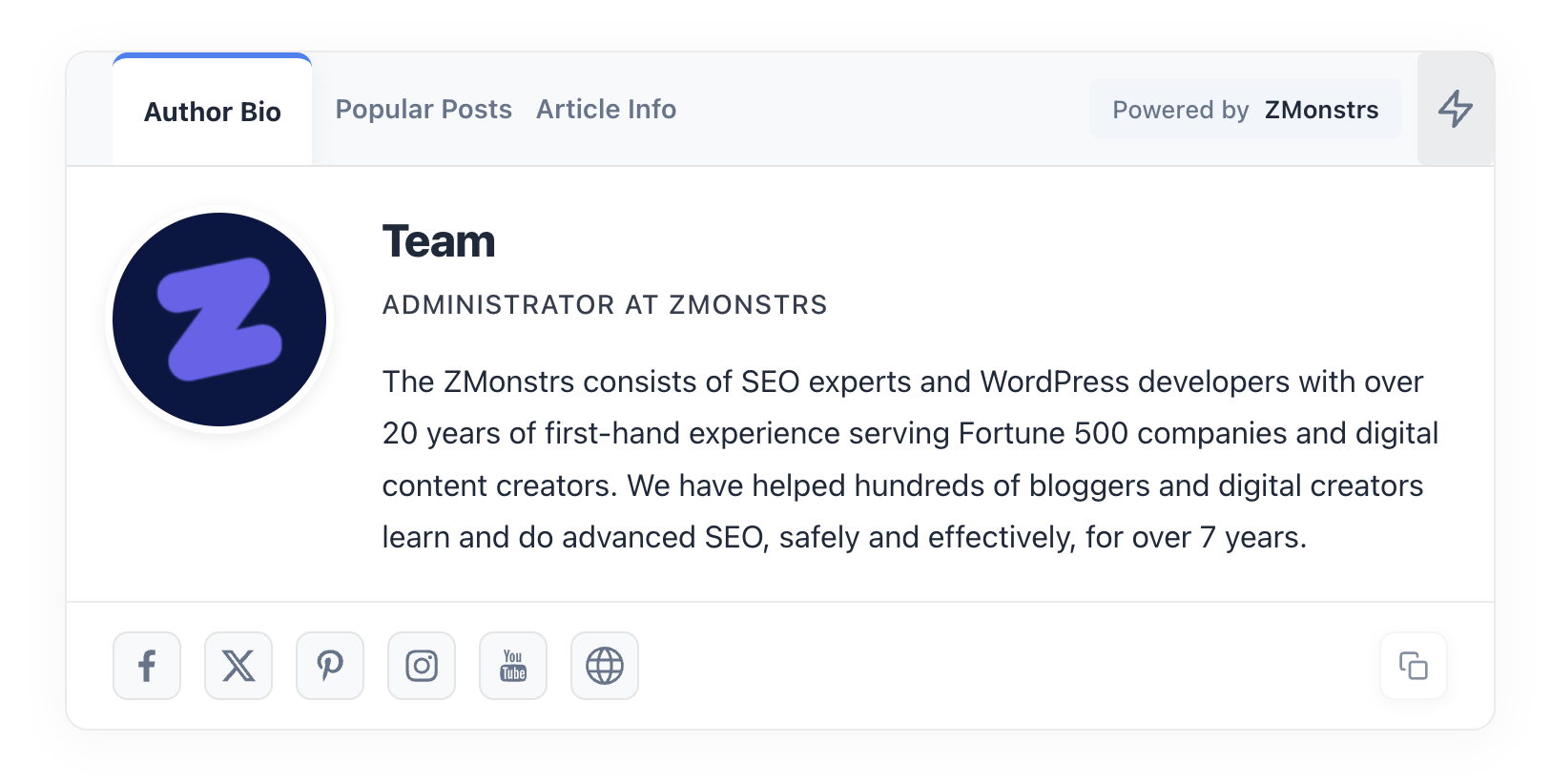
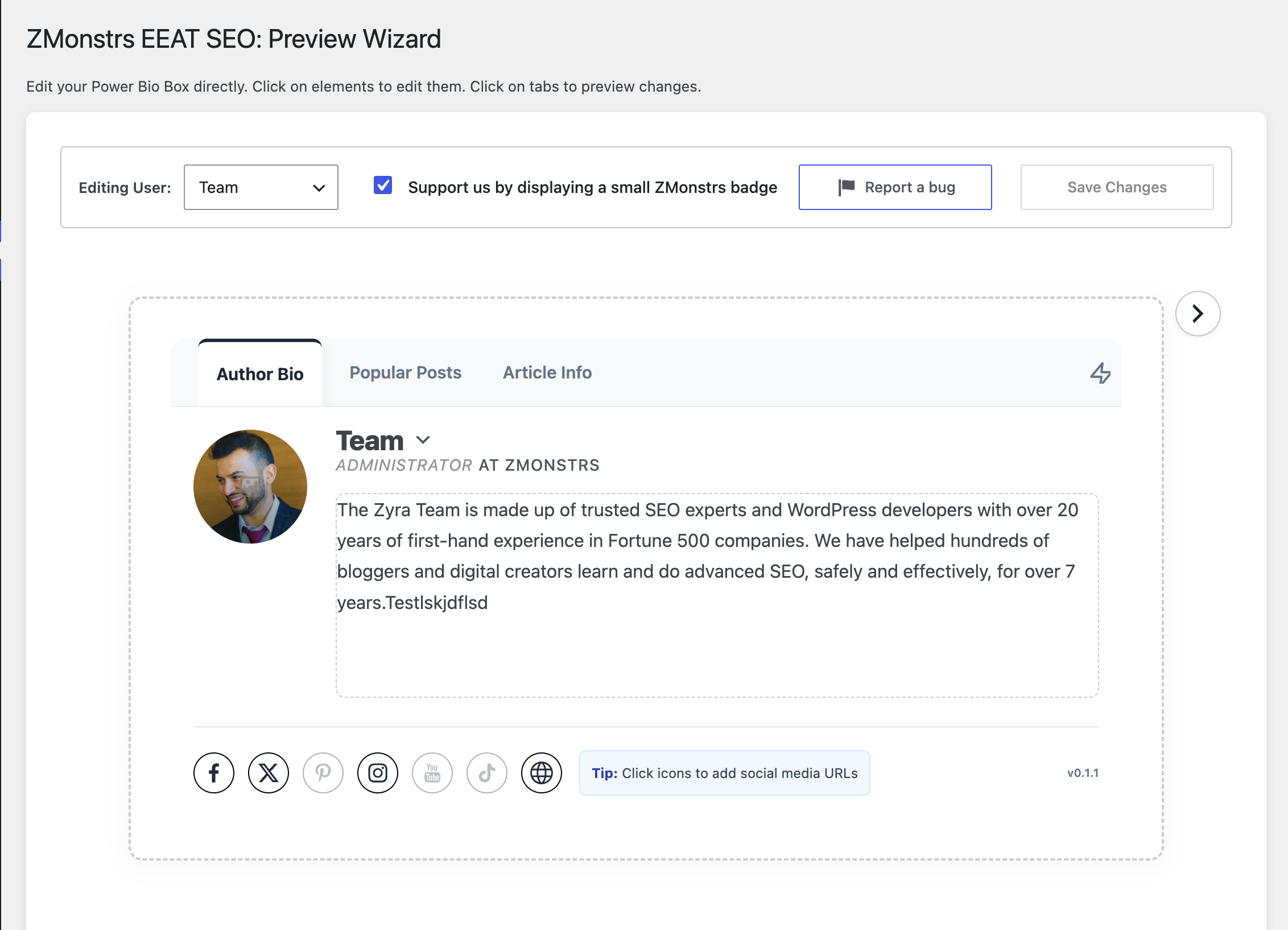
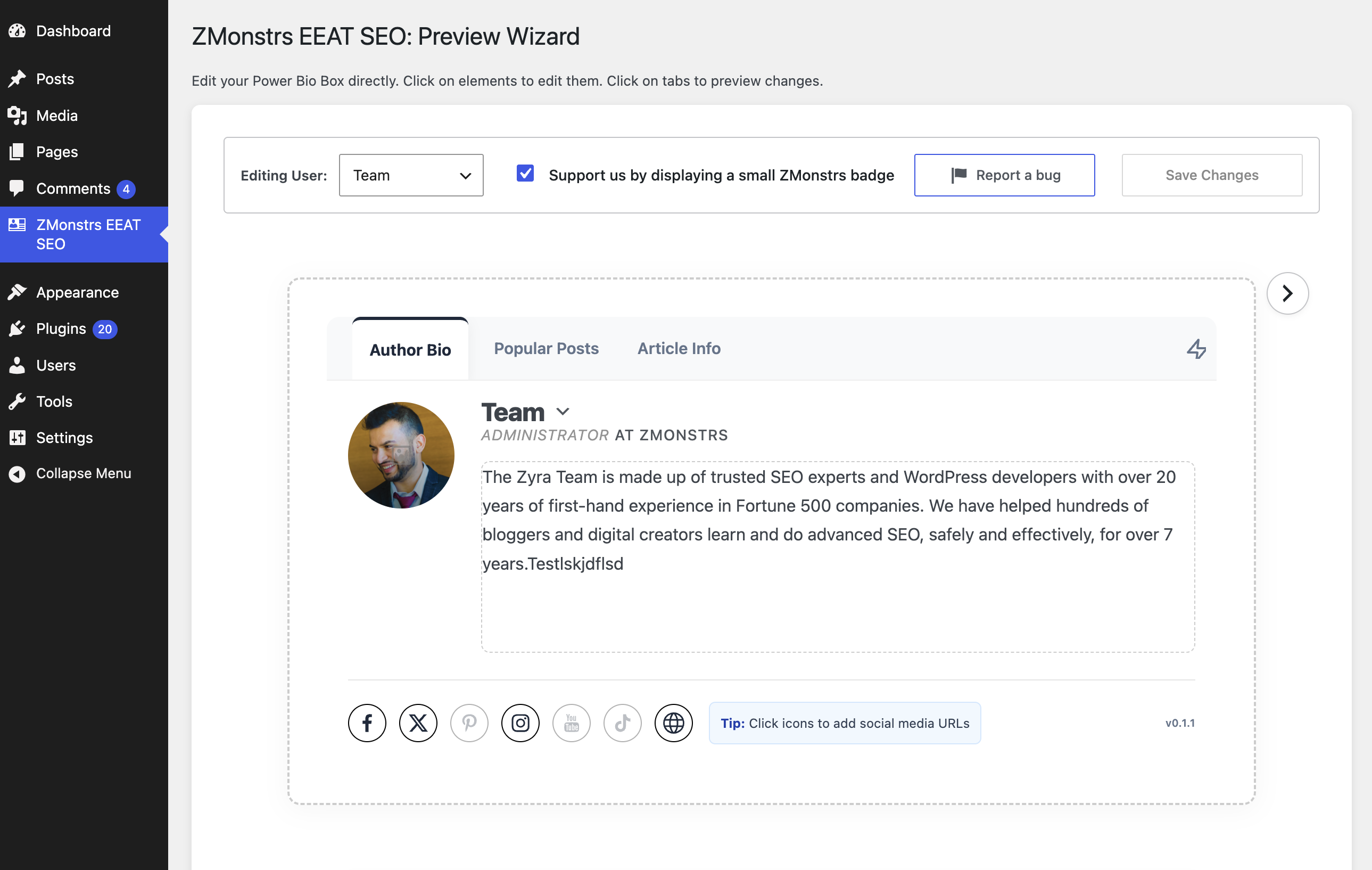
1. Showcases the human behind the content. The Author Bio tab presents the author’s photo, title, bio, and social profiles (Facebook, X/Twitter, Instagram, Pinterest, YouTube, TikTok) in a clean, professional layout. Readers and search engines see a real expert, not an anonymous byline.
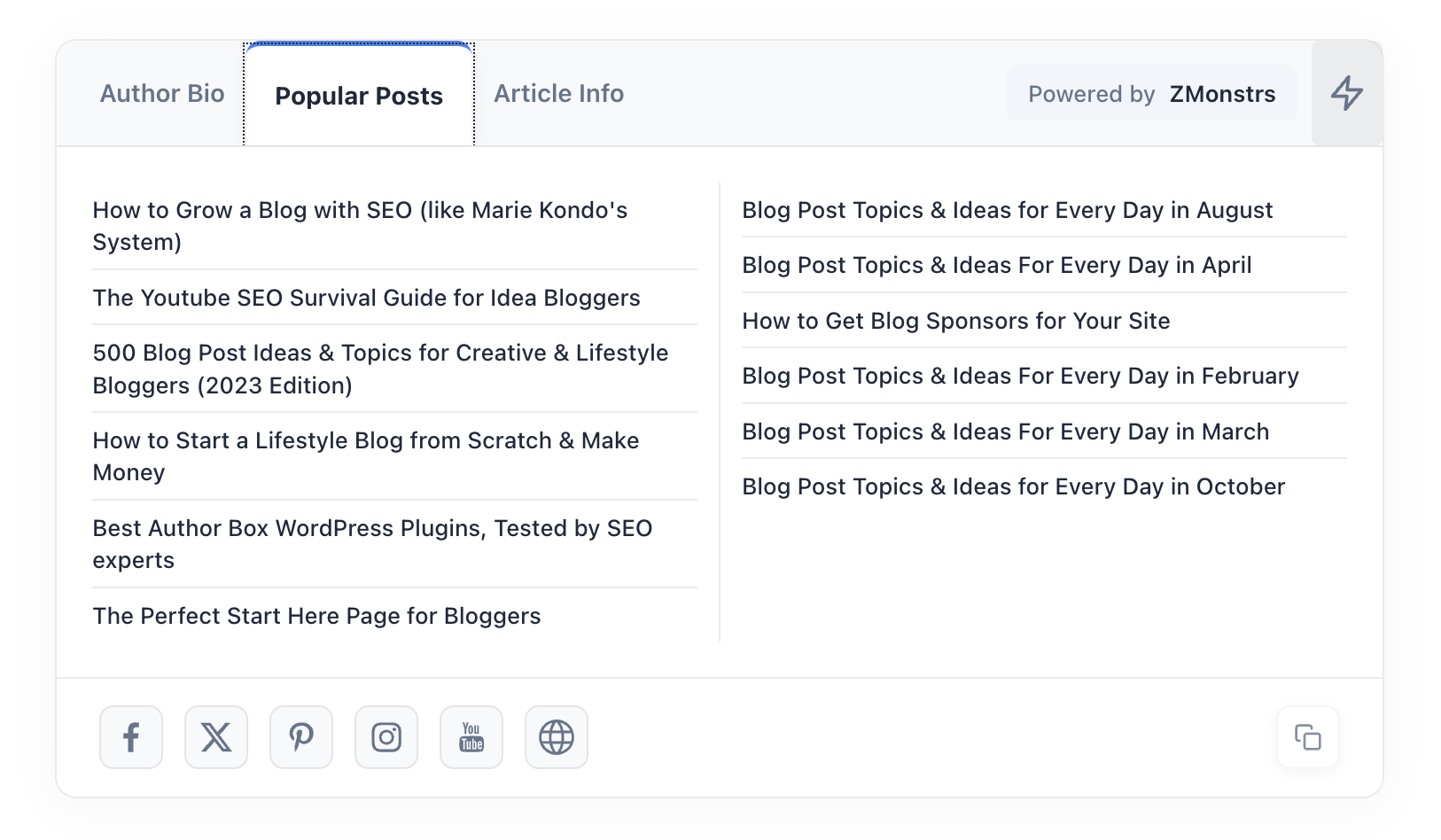
2. Promotes your best content automatically. The Popular Posts tab is powered by a custom algorithm that scores your own posts using real reader engagement on your site, then surfaces the strongest ones. Quality content gets seen instead of buried in your archives.
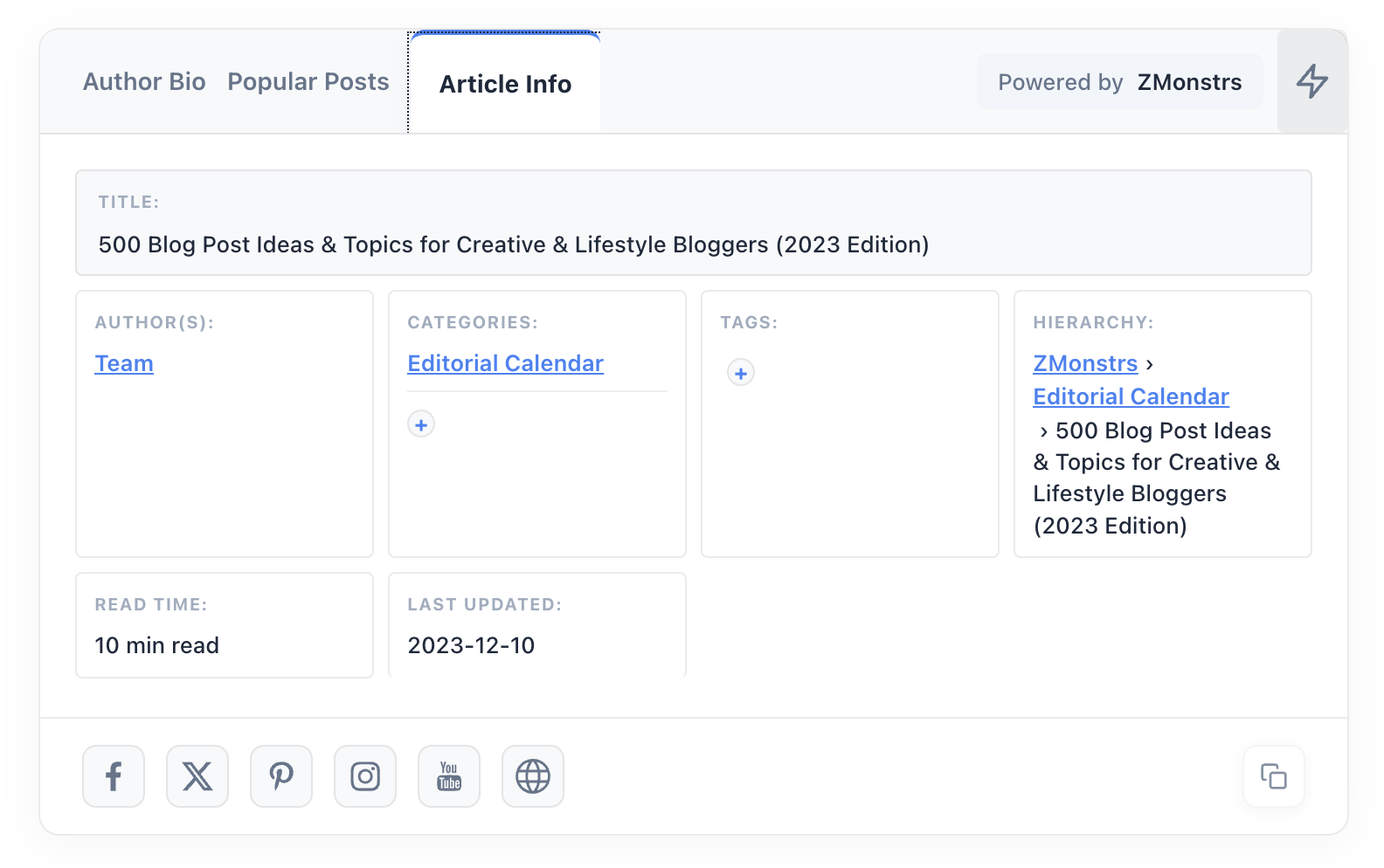
3. Builds reader trust with transparency. The Article Info tab displays publish and update history and author details, the freshness and accountability signals readers (and quality raters) look for.
Built the right way
- Private by design. All scoring runs locally on your WordPress install. Your content and traffic data never leave your site.
- Lightweight. Minimal CSS/JS, designed to stay out of your Core Web Vitals’ way.
- Mobile-aware. A collapsible design keeps the bio box compact on phones.
- Accessible. The tabbed interface is built with proper ARIA roles for assistive technology.
- Easy setup. The visual Preview Wizard configures everything with a live preview, no code required.
Free vs Premium
The free plugin is complete on its own: the full Power Bio Box, article transparency info, and automated popular posts promotion.
ZMonstrs Premium (coming soon) extends it for teams and growing publishers:
- Schema Generator. Auto-generated JSON-LD structured data (13+ types including Article, Person, and FAQPage) plus mentions schema built from your topics and tags.
- Guest authors and co-authors. Credit multiple authors per post and feature guest experts without creating WordPress accounts.
- Internal linking recommendations. Data-backed suggestions that connect your strongest related content.
- Cloud dashboard. Manage up to 5 sites with analytics and sync from one place.
Premium is coming soon. Watch this page for the launch.
External services
This plugin connects to the following third-party services:
Gravatar
This plugin checks the Gravatar service to determine whether an author has a custom Gravatar image. This is used in the admin Preview Wizard screens to show a profile completion status.
- What data is sent: An MD5 hash of the author’s email address.
- When it is sent: When an administrator visits the Preview Wizard admin pages.
- No data is sent on the public-facing frontend.
- Gravatar Terms of Service
- Gravatar Privacy Policy
Bug Report (Optional)
The plugin includes an optional “Report a Bug” form in the admin area. When an administrator chooses to submit a bug report, an email is sent to support@zmonstrs.com using the site’s configured WordPress mail system (wp_mail).
- What data is sent: The administrator’s display name, email address, site URL, plugin version, and the bug description they wrote.
- When it is sent: Only when an administrator explicitly clicks “Submit Report” in the bug report form. This is never sent automatically.
- No data is collected or sent without explicit user action.
- ZMonstrs Privacy Policy
Social Media Links
The Power Bio Box displays clickable links to social media profiles (Facebook, X/Twitter, Instagram, Pinterest, YouTube, TikTok) that authors configure in their WordPress profile. These are standard HTML hyperlinks.
- No data is sent to these services by the plugin. The links simply direct visitors to the author’s public social profiles when clicked.
- No API calls are made to any social media platform.
Screenshots
Installation
- Upload the plugin files to the
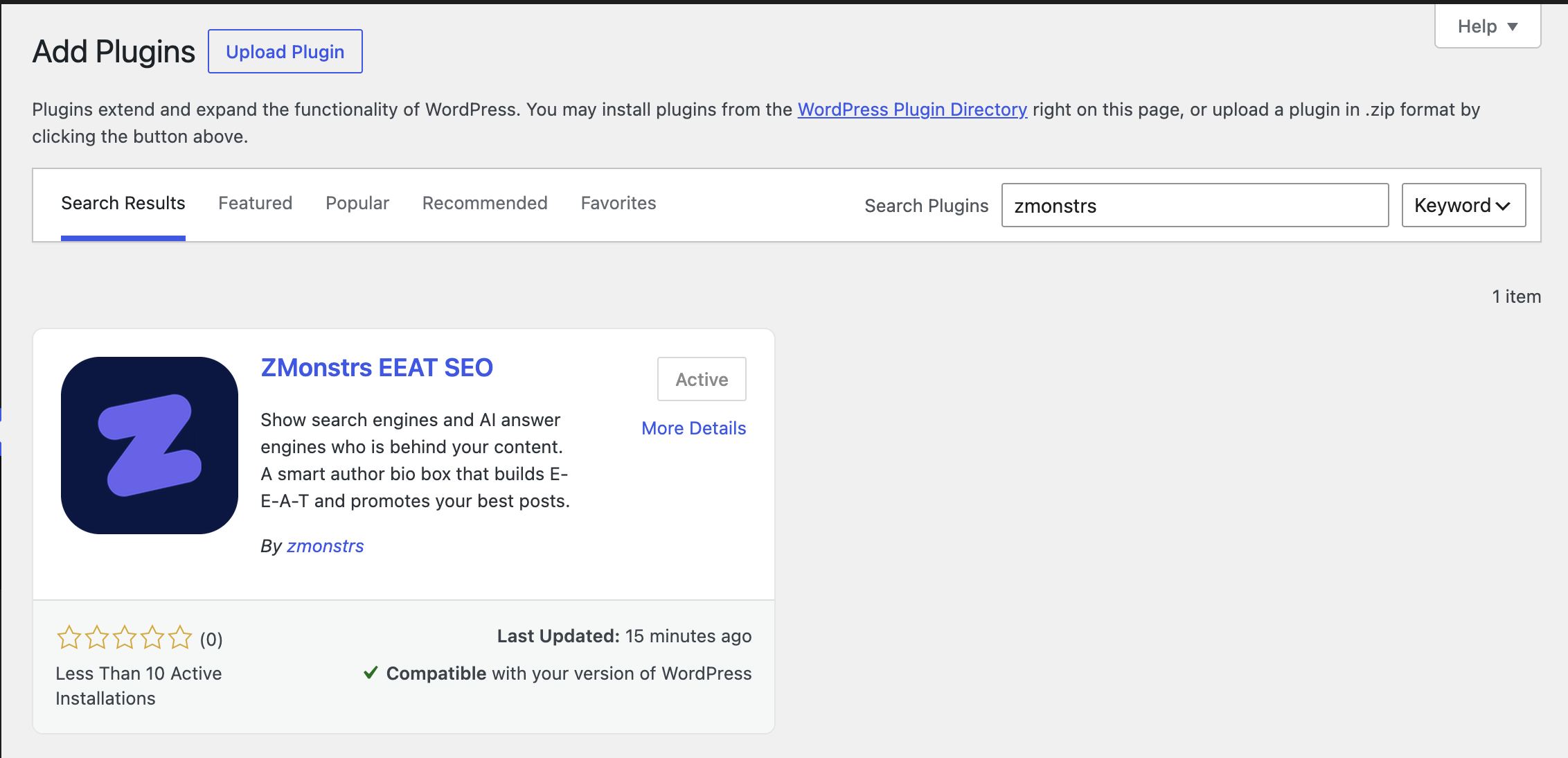
/wp-content/plugins/zmonsters-eeat-seodirectory, or install the plugin through the WordPress plugins screen directly. - Activate the plugin through the ‘Plugins’ screen in WordPress.
- Navigate to ZMonstrs EEAT SEO > Preview Wizard to configure your display settings and author profile.
FAQ
-
E-E-A-T (Experience, Expertise, Authoritativeness, Trust) is the framework Google’s quality guidelines use to evaluate who is behind content. AI answer engines apply similar credibility judgments when choosing what to cite. A rich author presence on every post is the most direct way to make your expertise visible to both.
-
What is answer engine optimization (AEO)?
-
AEO is the practice of structuring your content so AI search engines can trust, attribute, and cite it. Traditional SEO focuses on rankings and clicks. AEO focuses on getting cited in AI answers. The two work together, and both reward clear authorship signals.
-
How is this different from Yoast, AIOSEO, or Rank Math?
-
Those plugins handle core SEO: meta tags, sitemaps, and keyword optimization. ZMonstrs EEAT SEO works on a layer they do not touch: visible per-post author credentials and engagement-scored content promotion. You do not replace them. You add this on top.
-
How are Popular Posts chosen?
-
A custom algorithm scores your own posts using real reader engagement signals collected on your site, then promotes the strongest content. There is nothing to configure and no external service involved. It is fully automated.
-
Does this plugin send my data anywhere?
-
No. Popularity scoring and view tracking run entirely on your own site. The only external request is an optional Gravatar check in the admin preview, and the optional bug report form sends an email only when you explicitly submit it.
-
Where does the bio box appear?
-
At the end of your blog posts. You configure the author profile, tabs, and appearance from the Preview Wizard with a live preview, and you can enable or disable the box globally at any time.
-
Will it work with my theme and slow down my site?
-
The bio box uses standard WordPress hooks and ships minimal, optimized assets, so it works with well-built themes out of the box and is designed to have no meaningful impact on page speed.
-
Premium is coming soon. It adds a Schema Generator, guest author and co-author support, internal linking recommendations, and a cloud dashboard for up to 5 sites. The free plugin stays complete on its own.
-
What are the requirements?
-
WordPress 5.8 or higher and PHP 7.0 or higher (tested through PHP 8.3).
Reviews
There are no reviews for this plugin.
Contributors & Developers
“ZMonstrs EEAT SEO” is open source software. The following people have contributed to this plugin.
Contributors

Translate “ZMonstrs EEAT SEO” into your language.
Interested in development?
Browse the code, check out the SVN repository, or subscribe to the development log by RSS.
Changelog
0.1.1
- Updated for WordPress 7.0.
- Rebranded to ZMonstrs (zmonstrs.com).
- Fixed vertical alignment of the icon in the Report a Bug button.
0.1.0
- Initial public release for WordPress.org directory submission.
- Feature. Power Bio Box with tabbed interface (Author Bio, Popular Posts, Article Info).
- Feature. Dynamic Popular Posts powered by a local popularity algorithm.
- Feature. Built-in view tracking, stored locally on your site.
- Feature. Preview Wizard for real-time visual editing of author profiles.
- Accessibility. ARIA roles on tabs and navigation.
- Security. SSRF protection on external URL fetching.
- Security. Nonce verification on all AJAX handlers.
- Security. Capability checks on all admin operations.
- Security. Output escaping and input sanitization throughout.
- Compatibility. Supports PHP 7.0 through 8.3.
- Compatibility. Tested with WordPress 5.8 through 6.8.
- i18n. All user-facing strings wrapped for translation readiness.